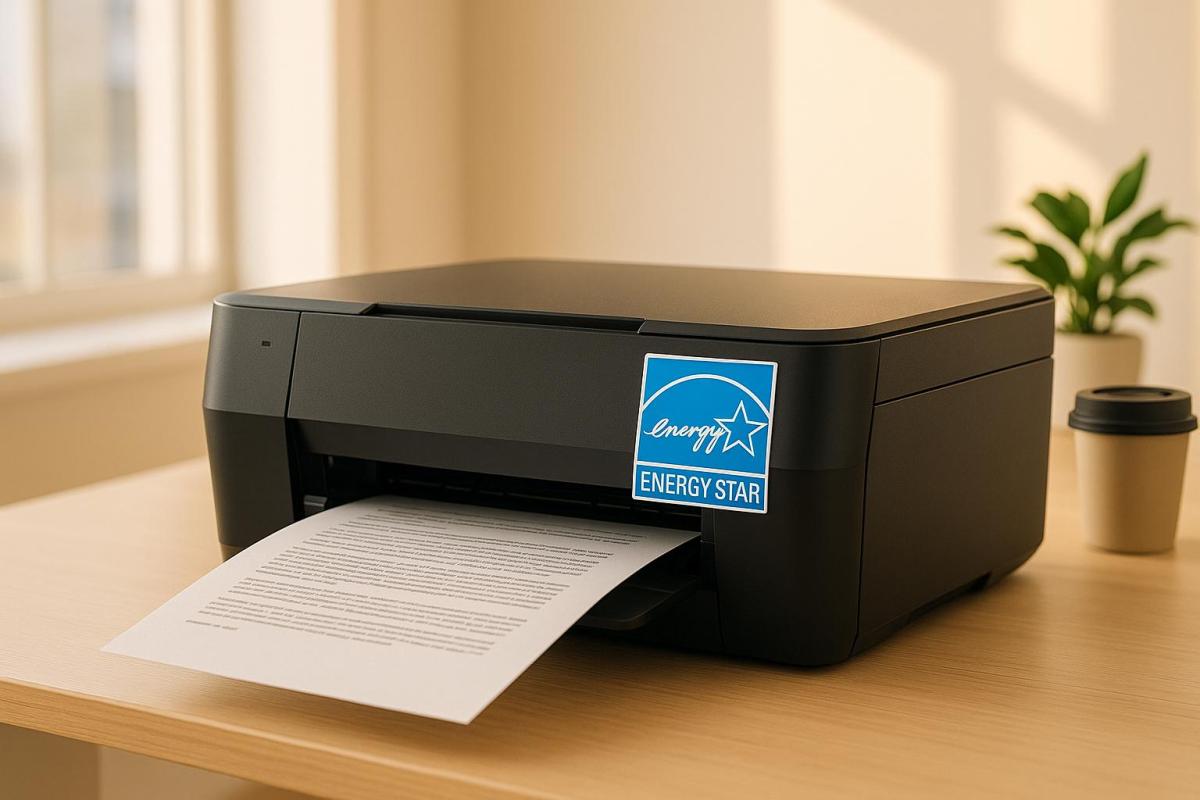
Energy Star certified printers are designed to save energy, reduce costs, and minimize environmental impact. These printers use up to 35% less energy than standard models, thanks to features like automatic duplexing (double-sided printing), advanced sleep modes, and power management systems. Here’s why they matter:
- Energy Savings: Cut electricity use by 35% and save businesses up to $32 million annually in energy costs across the U.S.
- Environmental Benefits: Reduces greenhouse gas emissions – equivalent to removing 57,000 cars from the road.
- Cost Efficiency: Lower operational expenses and qualify for rebates, tax credits, or discounts from utility providers and governments.
- Rigorous Testing: Certified by the EPA after third-party lab evaluations, with ongoing compliance audits.
Quick Fact: In 2023, 87% of HP printers sold in the U.S. were Energy Star certified.
For businesses, choosing Energy Star certified printers aligns with sustainability goals, reduces energy bills, and supports eco-friendly practices without compromising performance.
Key Features of Energy Star Certified Printers
Energy-Saving Design
Energy Star printers are built with features designed to minimize energy use, both during active printing and idle periods. A standout feature is automatic duplexing, which supports double-sided printing as a standard option rather than an add-on. This not only reduces paper waste but also cuts energy consumption.
Their power management systems are engineered to deliver up to 35% energy savings. Some models incorporate a base allowance system, which sets a limit on energy usage – even when the printer is equipped with advanced functionalities. This ensures that even high-performance models maintain energy efficiency.
Independent Testing and Verification
The energy-saving claims of Energy Star printers are backed by independent testing. Certified models undergo rigorous laboratory evaluations overseen by the EPA. These tests follow strict standards, conducted across more than 20 certification bodies and over 500 recognized labs.
"Third-party certification ensures products are properly tested and reviewed prior to being labeled. It also eliminates the competitive advantage associated with possible cheating and preserves the label’s value in the marketplace." – ENERGY STAR
The certification process doesn’t stop at initial approval. Post-market testing ensures that certified printers continue to meet performance standards. Every year, the EPA tests at least 10% of Energy Star certified basic models through third-party bodies. Printers that fail to meet ongoing requirements lose their Energy Star label. Additionally, the Department of Energy updates testing procedures regularly to reflect advancements in technology.
Advanced Sleep and Wake Modes
Energy Star certified printers take efficiency a step further with advanced sleep and wake modes. These systems automatically shift the printer into a low-power sleep mode after a set period of inactivity. In this state, the printer uses minimal energy but remains ready to spring back to action. A simple press of a button wakes the printer instantly, eliminating the long warm-up times typically seen in older models.
Since printers often spend more time in standby than actively printing, these quick sleep and wake functions significantly enhance energy savings without sacrificing productivity. This thoughtful balance ensures that users get the best of both efficiency and performance.
Benefits of Energy Star Certification for Businesses
Cost Savings and Efficiency
Energy Star certified printers are not just about energy efficiency – they’re a smart financial move for businesses. These printers consume up to 35% less energy compared to standard models, which means lower electricity bills. For businesses with high printing demands or multiple devices running daily, the savings can add up quickly.
The potential financial impact goes beyond individual printers. If all imaging equipment in the U.S. were Energy Star certified, businesses could save over $32 million annually on electricity costs. Additionally, Energy Star certified office buildings operate at $0.50 less per square foot compared to traditional buildings. For companies, choosing certified printers can significantly cut operational costs without compromising performance.
To further maximize savings, businesses can configure printers to enter sleep mode when idle and use draft mode for internal documents.
Environmental Impact Reduction
Energy Star certified printers also play a crucial role in reducing a business’s environmental impact. By consuming less energy, these printers help lower greenhouse gas emissions. If all imaging equipment in the U.S. were Energy Star certified, it could prevent the release of 596 million pounds of greenhouse gases annually.
The Energy Star program, since its launch in 1992, has achieved remarkable results, preventing 4 billion metric tons of greenhouse gas emissions. In 2020 alone, its emissions reductions accounted for over 5% of total U.S. greenhouse gas emissions. Using less energy also helps cut air pollution from fossil fuel-based power plants, contributing to cleaner air and a healthier environment.
For businesses, this means aligning with sustainability goals while benefiting from cleaner energy use. The environmental advantages, paired with available financial incentives, make Energy Star certification a well-rounded option.
Eligibility for Incentives
Investing in Energy Star certified printers can unlock valuable financial incentives. Many Energy Star partners offer rebates and special discounts on certified products, making the initial purchase more affordable.
In addition, local utility companies and state governments often provide rebates, tax credits, or sales tax exemptions for Energy Star certified equipment. To find current offers, businesses can visit the Energy Star website or contact their local utility providers and government offices for region-specific programs.
When combined with long-term energy savings, these upfront incentives make Energy Star certified printers a cost-effective and environmentally responsible choice for businesses.
How to Choose and Identify Energy Star Certified Printers
Finding the Energy Star Label
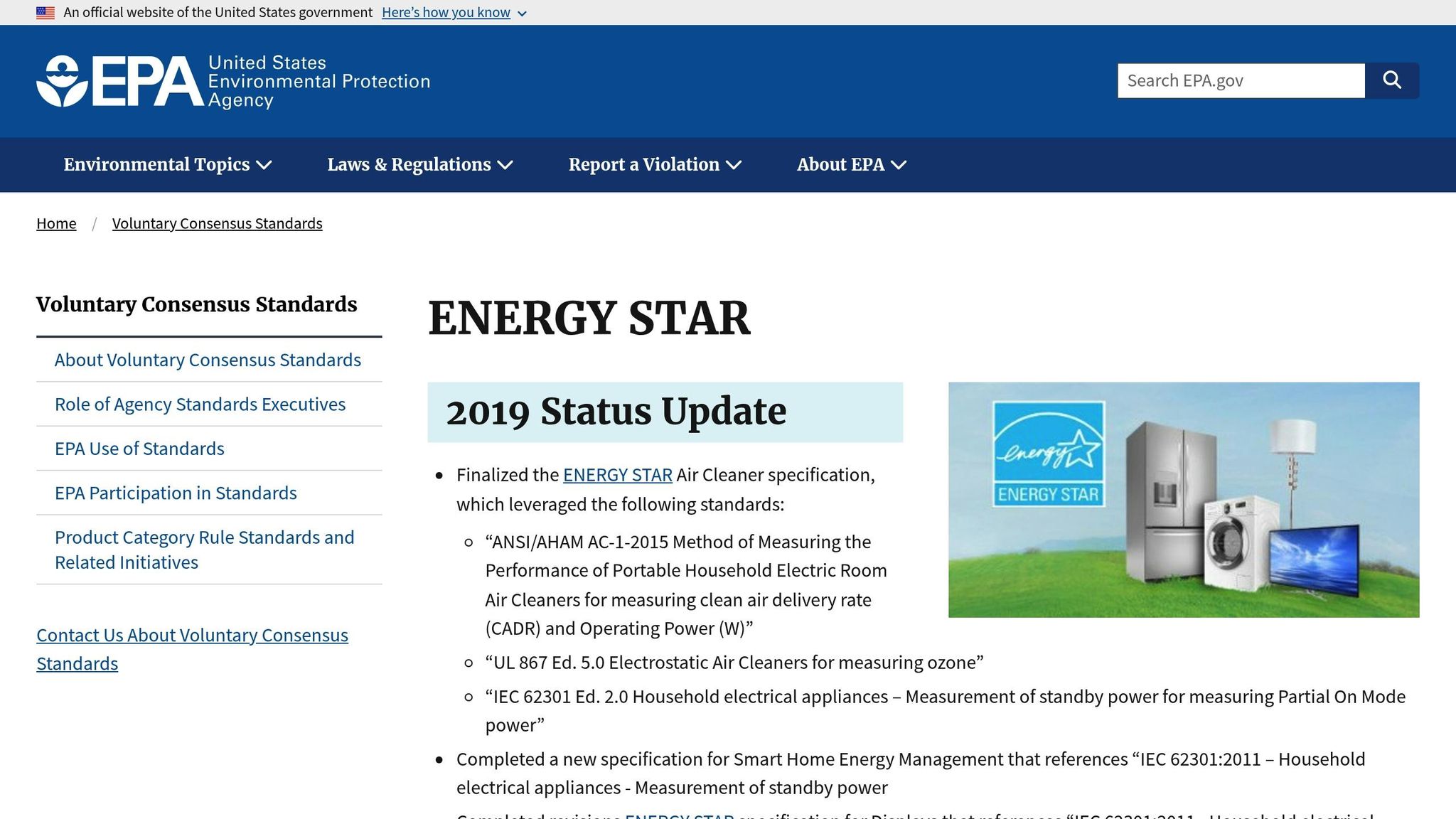
The Energy Star Certification Mark is your go-to sign for a printer’s energy efficiency. This label is awarded to products that meet strict performance standards through third-party certification. You’ll typically find the Energy Star mark displayed prominently on the product itself, its packaging, or even on the startup screen (where it must appear at a minimum size of 76 × 78 pixels for at least 10 seconds).
When shopping for a printer, check the manufacturer’s website or the product specifications to confirm its Energy Star certification. The Environmental Protection Agency (EPA) oversees this certification process and provides a searchable database of approved products through the Energy Star Product Finder.
Evaluating Printer Features for Your Needs
Once you’ve confirmed the Energy Star label, it’s time to match the printer’s features to your specific needs. Beyond energy efficiency, consider technical details like power consumption and sleep mode performance to ensure the device aligns with your operational requirements.
Think about your typical printing volume and the features you need – whether it’s color printing, scanning, or duplex functionality. Key specifications such as print speed, resolution, paper capacity, and ink usage are also important factors to evaluate. Energy Star certified printers often come equipped with energy-saving features like automatic duplex printing, sleep mode, and auto shut-off, which can significantly reduce power usage.
For context, Energy Star certified imaging equipment can use 30–75% less electricity compared to standard models. On average, a printer used for just one hour a day consumes around 100 kWh annually. Choosing a model with the right features can help you strike a balance between performance and energy efficiency.
Energy Management Best Practices
To make the most of your Energy Star printer, take advantage of its energy-saving features. Ensure that sleep mode is enabled so the device enters a low-power state when idle. These printers are designed to wake up quickly and revert back to sleep mode just as efficiently.
Adjust your printer settings to match your actual needs. For example, using draft mode for internal documents can save ink and toner, while enabling secure-print features can cut down on waste by preventing unclaimed printouts.
"Energy efficient devices are about more than just peak power consumption. Buyers need to look at standby and sleep mode power usage, where devices spend most of their time. Eco-friendly printing modes reduce power usage even further on some printing products."
- Peter Dresser, product marketing manager at Kyocera Document Solutions UK
Other tips include setting double-sided printing as the default, using energy-saving apps or widgets to reduce paper use, and questioning whether a print job is necessary before hitting the print button. Regular cleaning and maintenance are also essential for keeping your printer running efficiently.
Lastly, only operate your printer when needed. While many facilities have advanced energy management systems, they’re often underutilized. Preventive or predictive maintenance not only extends the lifespan of your printer but also optimizes energy consumption and reduces overall costs.
For personalized guidance on choosing the right Energy Star certified printer, reach out to the experts at Miro Printing & Graphics Inc.
sbb-itb-ce53437
Why Energy Star Certification Matters
Key Takeaways
Energy Star certification isn’t just a badge – it’s a real opportunity to save money and make environmentally conscious choices. For households, the impact is tangible, with average energy bill savings of about $450 per year when using Energy Star products.
"When you see the Energy Star logo, it’s not just a marketing ploy; it’s a promise. This certification, awarded by the U.S. Environmental Protection Agency (EPA) and the Department of Energy (DOE), signifies that a product meets strict energy efficiency standards." – Star Micronics
Since its launch in 1992, the Energy Star program has helped prevent approximately 4 billion metric tons of greenhouse gas emissions from being released into the atmosphere. Just in 2020, the program’s efforts reduced emissions equivalent to over 5% of the total U.S. greenhouse gas emissions that year. On top of that, every dollar the EPA has invested in Energy Star has returned nearly $350 in energy cost savings for households and businesses across the country.
These savings and environmental benefits are particularly impactful in industries like commercial printing, where efficiency and sustainability go hand in hand.
Energy Efficiency in Commercial Printing
The commercial printing industry faces growing expectations to balance profitability with environmental responsibility. Choosing Energy Star certified printers is one way to meet these demands – they use up to 35% less energy compared to traditional equipment, all while maintaining high performance.
For businesses like Miro Printing & Graphics Inc., adopting Energy Star certified devices not only boosts operational efficiency but also aligns with customer expectations for sustainability. Clients increasingly prefer working with vendors who prioritize eco-friendly practices, making Energy Star certification a competitive advantage.
There are also financial perks tied to Energy Star certification. For instance, in Colorado, builders can receive an extra $2,000 rebate for constructing Energy Star-certified facilities. Certified properties often enjoy added benefits like higher property values and better occupancy rates.
For commercial printers managing multiple high-energy devices, the potential savings are significant. Energy Star certification can reduce energy bills by up to 30% through smarter energy use. Over time, these savings can translate into substantial reductions in operating costs, reinforcing both environmental and financial success.
What Does ENERGY STAR Certified Mean? – CountyOffice.org
FAQs
How does Energy Star certification help businesses save on operational costs?
Energy Star certification is a smart way for businesses to trim operational costs while embracing energy efficiency. By using certified equipment, such as printers, companies can significantly cut electricity consumption – potentially slashing utility bills by up to 30% each year. Over time, this translates to thousands of dollars in savings, along with a smaller carbon footprint.
Take Miro Printing & Graphics Inc. as an example. Their choice to use Energy Star-certified printers not only helps them reduce energy expenses but also aligns with sustainable practices. This approach boosts both their bottom line and their commitment to responsible business operations.
How do ENERGY STAR certified printers maintain their energy efficiency over time?
ENERGY STAR certified printers achieve their energy efficiency through third-party verification and regular recertification. Every year, these products are independently tested to confirm they still meet ENERGY STAR’s stringent energy-saving criteria. This ensures they consistently align with the program’s standards.
Similarly, ENERGY STAR certified buildings, which often house such equipment, must renew their certification annually. This process includes a thorough evaluation by licensed professionals to verify that the buildings continue to deliver top-tier performance and maintain their energy efficiency.
What features should businesses look for in an Energy Star certified printer to save the most energy?
Businesses aiming to maximize energy savings with an Energy Star certified printer should prioritize models that include automatic duplexing (double-sided printing) and sleep mode features. These options can significantly cut down on paper waste and reduce energy usage when the printer isn’t actively in use.
Another key feature to consider is power management settings. These settings allow the printer to automatically scale back energy consumption after being idle for a certain period. Beyond supporting environmental goals, such features can help trim operating expenses over time, making them a practical choice for businesses mindful of energy efficiency.
Related posts
- Cost-Saving Tips for Sustainable Paper Choices
- Checklist for Choosing Recycled Paper for Printing
- Ultimate Guide to Recycling in Printing
- Guide to Eco-Friendly Printing Substrates
https://app.seobotai.com/banner/banner.js?id=684cb10a5559d477e756c412
 BergenCountyPrintersBlogs