How to Choose Recycled Paper for Folded Prints

Learn how to select the perfect recycled paper for folded prints, balancing quality, sustainability, and cost for eco-friendly projects.

Want to make eco-friendly folded prints without sacrificing quality? Choosing the right recycled paper is key. Here’s how you can balance sustainability, performance, and cost:

  • Why Recycled Paper? It saves 17 trees, 7,000 gallons of water, and 4,000 kWh of energy per ton compared to virgin paper.
  • Types of Recycled Paper: Post-consumer waste (PCW) is the most sustainable but may need fresh fibers for strength. Pre-consumer waste is another option.
  • Finishes & Grades: Matte (text-heavy), glossy (vivid images), and uncoated (natural texture) finishes suit different needs. Choose heavier paper (170–200 GSM) for premium feel or lighter stocks (80–100 GSM) for easier folding.
  • Folding Tips: Score heavy stocks, fold with the grain, and test folds to avoid cracking.
  • Certifications: Look for FSC, Green Seal, or PCF labels to ensure sustainability.
  • Cost Considerations: Recycled paper costs 29%–56% more but offers long-term benefits. Bulk orders can save up to 10%.

Recycled paper now rivals virgin paper in quality, making it an excellent choice for brochures, flyers, and more. Start small, test samples, and partner with local printers for the best results.

PAPER CHOICES FOR PRINTING: A showcase of silk, gloss, uncoated and recycled finishes | Ex Why Zed

Ex Why Zed

Types of Recycled Paper Available

Understanding the different types of recycled paper can help you make the best choice for your folded prints. The market offers a variety of options, each influenced by the source of the fibers, finishes, and grades. These factors not only affect print quality but also the environmental impact of your project. Let’s break down how fiber sources and finishes play a role in performance.

Post-Consumer vs. Pre-Consumer Recycled Paper

The source of the fibers is a key factor in determining both environmental impact and paper performance. Pre-consumer waste refers to materials like scraps and trimmings left over from manufacturing processes – these never make it to consumers. On the other hand, post-consumer waste (PCW) comes from paper products that have already been used and discarded by consumers.

PCW paper is often the better environmental choice since it helps divert waste from landfills. However, for folded prints, PCW paper may require a small percentage of fresh fibers to maintain strength and ensure proper folding. While PCW paper can sometimes cost more due to the additional processing it undergoes, its positive environmental impact often makes it worth the extra expense. If you’re comparing recycled paper options, choosing PCW materials helps promote a circular economy by keeping consumer waste in use.

Paper Finishes and Grades for Folded Prints

The finish of the paper has a big influence on its appearance and functionality, and different finishes are better suited to different types of projects.

  • Matte finishes offer a non-reflective surface, making them perfect for text-heavy materials like corporate brochures, annual reports, and educational content. They resist fingerprints and ensure readability.
  • Glossy finishes enhance color and image sharpness, making them ideal for visually striking marketing materials. However, they can show fingerprints easily and may create glare under bright lights.
  • Uncoated finishes have a natural texture and are great for writing. These papers absorb ink differently than coated ones, making them a good fit for stationery, forms, and documents that require signatures.

Paper weight also matters, especially for folded prints. Heavier papers showcase fine details but can increase mailing costs. Lighter papers fold more easily but might feel less premium. Paper weight is measured in GSM (grams per square meter) – a higher GSM means thicker, more substantial paper.

When it comes to paper grades, the intended use of your project should guide your choice. Text stocks are suitable for standard brochures and flyers, while cover stocks provide the durability needed for presentation folders or premium marketing pieces. If your project requires writing, avoid heavily coated or textured papers, as they can make ink absorption tricky.

How to Check Quality for Folded Prints

When working with recycled paper for folded prints, it’s important to evaluate its quality based on key factors like weight, color, and folding techniques. Modern recycled papers often rival virgin paper in performance, but understanding these elements ensures your projects meet professional standards. Let’s dive into how paper weight, color fidelity, and folding methods can impact your final results.

Paper Weight and Folding Performance

The weight of the paper plays a crucial role in how it folds and feels. Lighter paper stocks, typically in the 80–100 GSM range, are easier to fold but may lack a premium look and feel. On the other hand, heavier stocks, ranging from 170–200 GSM, exude a more professional quality but require extra care. For heavier papers, pre-scoring and folding along the grain are essential to avoid cracking. Grain direction matters – folding with the grain minimizes damage, while folding against it can lead to visible cracks, especially in papers with uneven fiber strength.

Color Quality and Print Sharpness

Recycled paper can sometimes present challenges with brightness and ink absorption due to its fiber composition. However, advancements in recycled paper production now offer options with brightness levels on par with non-recycled paper.

To ensure sharp and vibrant prints, adjust your printer settings and run test prints. Using high-resolution images and eco-friendly inks can enhance the overall sharpness. For best results, avoid large solid color areas and opt for vector graphics, which tend to print more crisply on recycled paper.

Tips for Better Folding Results

Once you’ve accounted for weight and color, proper folding techniques can make all the difference. Here are some practical tips to perfect your folds:

  • Score heavy stocks to create a controlled crease and reduce cracking.
  • Test fold a small section before proceeding with the entire project.
  • Fold perpendicular to the grain to maintain integrity and prevent damage.
  • Pre-fold challenging stocks to ensure smoother results.
  • Keep rollers clean to avoid smudges or imperfections.
  • Leave at least a 1/8-inch margin from trim lines to account for slight variances.

"The ideal crease should perform like a perfect hinge when folded. This cannot be fully achieved, but the challenge is to come as close to such a hinge function as possible." – Darcey Thompson, Director of Marketing and Creative, Southeastern Printing

A good way to assess creasability is to evaluate how the paper reacts to scoring and folding. Papers with strong creasability will fold cleanly with minimal surface cracking, even at low creasing depths. Interestingly, recycled papers with multi-ply construction often perform better. Their inner layers can separate into thin plies during folding, reducing the risk of breaking.

Cost and Where to Find Recycled Paper

When planning folded print projects, knowing the cost and sourcing options for recycled paper is crucial. Recycled paper often costs more than virgin paper due to extra processes like collection, sorting, pulping, and de-inking.

"Why does recycled paper cost more than brand new (virgin) paper?" – Anderberg Innovative Print Solutions

Several factors influence the price of recycled paper, including weight, finish, and order quantity. For instance, a ream of 60 lb text paper typically costs between $32.97 and $35.47, while premium options like 100 lb cover paper can go for $41.97 per ream. Bulk orders often offer savings of up to 10%.

Despite the higher costs, the environmental advantages are compelling. A single ton (2,000 pounds) of recycled paper conserves 17 trees, 380 gallons of oil, three cubic yards of landfill space, 4,000 kilowatts of energy, and 7,000 gallons of water. Once you weigh these benefits against the cost, the next step is finding dependable suppliers who provide high-quality recycled paper.

Finding Reliable Paper Suppliers

Understanding pricing details can help you identify suppliers offering competitive rates alongside certified recycled stock. The right suppliers balance environmental standards with print performance needs. For example, The Paper Mill Store features a wide range of recycled paper from top brands like Neenah, Mohawk, and Finch. They also provide custom services such as cutting and scoring to meet specific project demands.

American Eagle Paper Mills showcases the potential of large-scale recycled paper production. In 2023, they produced up to 220 tons of recycled paper daily, turning waste into high-quality printing and specialty papers. Their commitment to sustainability is clear:

"We believe that today’s actions shape tomorrow’s world, which is why we embrace eco-friendly practices and value our partnerships with sustainability-driven organizations, distributors, commercial print shops, and other green heroes." – American Eagle Paper Mills

Local suppliers, like Miro Printing & Graphics Inc. in Hackensack, NJ, offer competitive pricing on recycled paper and provide in-house bindery services. Working with local providers can reduce shipping delays and allow you to review paper samples before placing large orders.

Recycled paper production has expanded significantly, with 46 million tons of paper recycled in the U.S. in 2023. This effort achieved recycling rates of 65–69% for paper and 71–76% for cardboard. Today, about 80% of U.S. paper mills incorporate some recycled content into their products.

To ensure quality and sustainability, request samples before committing to large purchases. Look for certifications like the Forest Stewardship Council (FSC) label, which guarantees responsible sourcing. Many suppliers also offer bulk discounts and custom finishing options, helping you manage costs while meeting the specific needs of your folded print projects.

sbb-itb-ce53437

Certifications and Environmental Benefits

Certifications play a vital role in ensuring the quality and sustainability of recycled paper. These third-party validations confirm that your folded print projects adhere to eco-friendly standards while maintaining professional results. As you finalize paper choices for folded prints, checking for certifications ensures that high-quality output aligns with environmental responsibility.

Important Certifications to Know

Forest Stewardship Council (FSC) Recycled is a top certification for recycled paper. It guarantees responsible forest management and verifies the percentage of recycled content. While FSC-certified paper can cost up to 20% more, it offers transparency in the supply chain and ensures sustainability claims are accurate. The FSC also enforces stricter rules on forest conversion, prioritizing ecological protection compared to other certifications.

Green Seal certification addresses several sustainability factors, including the use of 100% recycled material, verified post-consumer content, and chlorine-free processing. This certification resonates with consumers, as 78% are more inclined to purchase products featuring the Green Seal mark. Retailers like Amazon even highlight Green Seal-certified products under their Climate Pledge Friendly program, giving these items a distinct sustainability badge.

"Green Seal certification for our products provides immediate credibility and trust with our customers."
– Julie Howard, VP and General Manager, Towel Category at Georgia-Pacific

Processed Chlorine Free (PCF) certification focuses on ensuring that recycled paper is produced without chlorine-based bleaching processes. Companies like Neenah Paper offer a wide range of PCF-certified options, such as CLASSIC CREST Papers (Recycled 100 Bright White, Recycled 100 Natural White), ENVIRONMENT Papers (PC 100 Natural, PC 100 White), and NEENAH Folding Board (100 PC White).

When choosing recycled paper, pay attention to the recycled content percentage listed on the packaging and aim for the highest percentage available. Post-consumer content is particularly impactful, as it represents materials that have already completed a full usage cycle. Be cautious with terms like "recyclable", which only indicate the potential for recycling without guaranteeing any recycled material.

These certifications not only validate the quality of recycled paper but also confirm its positive environmental contributions.

How Recycled Paper Helps the Environment

Using recycled paper offers numerous environmental benefits. It conserves resources, reduces waste, and minimizes environmental impact by saving energy, water, and lowering greenhouse gas emissions. Compared to virgin fiber production, recycled paper uses about 26% less energy and generates 40% less wastewater.

Recycling paper also helps preserve trees and reduce landfill use. Paper products account for roughly 28% of landfill waste, and approximately 80% of discarded paper ends up in landfills without being recycled. By choosing recycled paper, you actively help address these issues.

One of the biggest advantages is the reduction of greenhouse gas emissions. With the U.S. consuming 100 million tons of paper annually, recycled paper makes up only 35% of that total, leaving significant room for improvement.

"By choosing recycled paper, you are voting with your dollars for a cleaner and healthier planet."
Green America

For folded print projects, recycled paper often offers better opacity than virgin paper, which enhances print quality while delivering environmental benefits.

Working with certified suppliers like Miro Printing & Graphics Inc. ensures access to reliable, eco-friendly recycled paper. Their expertise helps match the right certifications to your specific project needs, achieving a balance between sustainability goals and top-notch performance.

How to Select the Right Recycled Paper

Finding the right recycled paper for your project means balancing quality, sustainability, and budget while ensuring it aligns with your specific needs. Here’s how to make the best choice.

Matching Paper to Your Project Type

The type of paper you choose can make or break your project, so it’s essential to match the weight and finish to its purpose. For projects like brochures, newsletters, or flyers, 60–80 lb text paper works well. It folds cleanly and is easy to handle.

If you’re creating something that needs a more durable feel – like premium menus, folders, or high-end brochures – opt for 100–130 lb cover stock. This heavier paper holds its structure better, even with frequent handling.

For business cards or postcards, the heaviest recycled options, such as 14–16 pt cardstock, are ideal. Modern recycled cardstock rivals virgin paper in performance while supporting eco-friendly goals.

Pay attention to other paper qualities, like smoothness, brightness, opacity, and how well it absorbs ink. These factors directly affect the look and feel of your project. For instance, corporate materials may demand a bright, smooth finish, while brands focused on sustainability might lean toward natural textures and subtle color variations.

Once you’ve matched the paper to your project, you can explore ways to customize it for an even better fit.

Custom Options and Special Finishes

Recycled paper offers plenty of room for creativity. For instance, double-sided printing works beautifully with recycled stocks because their opacity reduces the risk of ink showing through. Pairing recycled paper with vegetable-based inks creates a fully eco-conscious solution.

You can also experiment with custom folding patterns like gate folds, accordion folds, and roll folds. Just make sure to choose the right paper weight for the fold you want.

Looking for a polished finish? Recycled papers can accommodate matte and satin coatings to boost durability without sacrificing recyclability. Some even work well with foil stamping and embossing, though it’s a good idea to test these techniques beforehand to ensure the best results.

Keep in mind that recycled paper can sometimes affect how colors appear. Adjust your color settings as needed to ensure your design looks its best.

To bring these ideas to life, it helps to collaborate with local printing experts.

Working with Local Print Experts

Once you’ve narrowed down your paper and finish choices, teaming up with a local printing professional can make all the difference. Experienced printers, like Miro Printing & Graphics Inc., can guide you through the process of selecting the perfect recycled paper for your project.

Local print shops often have direct connections with certified suppliers and can source FSC-certified recycled options that align with your sustainability goals. They also understand which papers work best for specific folding techniques and can suggest alternatives if your first choice is unavailable.

Before committing to a full production run, request paper samples and run test prints. This hands-on approach lets you evaluate texture, weight, and print quality while fine-tuning color settings and quality control measures.

Another advantage of working with local experts is their knowledge of regional paper availability and pricing. They can recommend cost-effective options that meet your needs without compromising quality. This is especially helpful when you’re working with tight deadlines or specific certification requirements.

Local printers can also offer custom solutions that online suppliers might not provide. Whether it’s coordinating special orders, suggesting creative alternatives, or offering technical support, a trusted partner like Miro Printing & Graphics Inc. can help you achieve professional results for your recycled paper projects.

Making the Best Choice for Your Folded Prints

When it comes to selecting recycled paper for your folded prints, it’s all about finding the right balance between quality, cost, and environmental impact. Thanks to advancements in manufacturing, recycled paper now rivals – and sometimes surpasses – the performance of virgin paper. This means you can make eco-conscious decisions without compromising on results.

To ensure your prints look sharp and fold crisply, pay attention to technical details like 70–90 GSM weight, 80–100 brightness, and over 90% opacity. These specs are key for achieving professional results. Also, proper storage is crucial – keep your paper in a cool, dry spot, away from sunlight, to avoid warping. A little preparation goes a long way in creating a smooth and cost-efficient printing process.

Yes, recycled paper can cost 29%–56% more upfront. But it often pays off in the long run, thanks to reduced waste and the potential for bulk discounts. Plus, the environmental perks – like conserving trees and saving energy – make the extra cost worth considering.

For peace of mind, check for certifications like FSC labels or recycled content markings to confirm the paper’s sustainability credentials. If you want to maximize your eco-friendly impact, opt for paper made from 100% post-consumer waste. Before committing to a large order, test a few prints to ensure compatibility with your printer.

Another tip? Lean on local experts. Experienced providers like Miro Printing & Graphics Inc. can simplify the process. They’ll help you navigate paper options, recommend finishes, and even handle specialty requests – all while offering clear pricing. Local shops often go the extra mile to understand your project’s specific needs, making them a valuable resource.

Start small if you’re unsure – try using recycled paper for covers or section dividers. As you get more comfortable with the options, you can gradually expand its use across your projects. By prioritizing quality, sustainability, and cost, your folded prints can shine while supporting a greener planet.

FAQs

What’s the difference between post-consumer and pre-consumer recycled paper, and how does it affect folded print quality?

The key distinction between post-consumer and pre-consumer recycled paper lies in where the recycled material originates. Post-consumer paper comes from items that have already been used and recycled by individuals, like old newspapers or office documents. In contrast, pre-consumer paper is derived from manufacturing leftovers, such as scraps or trimmings, before these materials ever reach consumers.

For folded prints, post-consumer recycled paper often has a slightly rougher texture and a more natural, eco-conscious appearance. While this can give your prints a unique character, it might not be the best choice for intricate or glossy designs. On the flip side, pre-consumer recycled paper typically offers a smoother surface and greater consistency, making it ideal for projects that demand sharp visuals or bold, vibrant colors.

Ultimately, your choice should depend on your design goals and priorities. If reducing environmental impact is your main focus, post-consumer paper is a solid pick. However, if your project calls for a polished and professional look, pre-consumer paper might be the way to go. It’s always a good idea to discuss your options with your printer to ensure the paper aligns with your project’s specific needs.

How can I make sure the recycled paper I choose for folded prints is truly eco-friendly?

When choosing recycled paper that aligns with eco-friendly practices, it’s important to look for certifications. For example, the FSC Recycled label ensures the paper is made entirely from recycled fibers. Another way to confirm its authenticity is by checking third-party certifications, such as those issued by SCS Global Services.

Don’t overlook the quality of the paper, either. Recycled paper is available in different grades, so pick one that suits your project while staying mindful of sustainability. It’s also a good idea to consult with your printer to verify availability and explore options that fit both your budget and environmental priorities.

How can I find affordable, high-quality recycled paper for folded print projects?

To find budget-friendly, high-quality recycled paper for folded print projects, buying in bulk is a smart move. This approach reduces the cost per sheet significantly. Make sure to choose paper certified by organizations like the FSC (Forest Stewardship Council) or those marked with a recycled symbol to ensure they align with sustainability standards.

You might also consider pre-consumer recycled paper as a more economical alternative to virgin paper. It often offers great print quality at a lower price. Check with your local print shop or paper supplier to explore the best options available for your project.

Related posts

https://app.seobotai.com/banner/banner.js?id=685c656d5559d477e76804f7

Ultimate Guide to Large Format Print Durability

Learn how to enhance the durability of your large format prints through material selection, ink types, and maintenance strategies.

Want your large format prints to last? Here’s what you need to know:

  • Materials matter: Vinyl and PVC are best for outdoor use, while fabric substrates work well indoors. Avoid paper for durability.
  • Choose the right ink: Solvent-based inks resist UV rays, while latex inks balance durability with eco-friendliness.
  • Environmental factors: UV exposure, temperature changes, and humidity are the biggest threats to print longevity.
  • Protective measures: Lamination and UV-resistant materials can extend the life of your prints.
  • Maintenance tips: Clean gently, avoid harsh chemicals, and monitor for signs of wear.

Quick Tip: Pair durable materials with weather-resistant inks to maximize outdoor print lifespan. For indoor use, focus on scratch-resistant coatings and proper installation.

Material Best Use Durability
Vinyl Outdoor signs High
PVC Indoor/Outdoor High
Fabric Indoor displays Moderate
Paper Short-term indoor use Low

Durability starts with smart choices. Read on for details about materials, inks, and maintenance strategies.

Key Factors That Affect Large Format Print Durability

When it comes to how long your large format prints last, three things stand out: the materials you use, the type of ink applied, and the environmental conditions they face.

Material Selection and Its Impact

The material – or substrate – you choose plays a massive role in how durable your prints will be. Paper is an affordable choice, but it’s not built for the long haul. It works well for short-term indoor use but won’t hold up against outdoor elements or frequent handling.

For outdoor prints, vinyl and PVC are the go-to options. These materials are tough, resisting moisture, UV rays, and temperature swings that would destroy paper-based prints in no time.

Fabric substrates offer a nice middle ground. They’re sturdier than paper and provide a softer, more polished look compared to vinyl. These are perfect for indoor displays where you want a premium finish without the glossy shine.

Specialty substrates are designed for specific needs:

  • Expanded PVC (like Sintra or Komapure) delivers long-lasting performance for both indoor and outdoor uses.
  • Polystyrene is lightweight and cost-effective, ideal for temporary indoor signage.
  • Coroplast provides a weather-resistant, lightweight option, making it great for outdoor projects.

Ink Types and Durability

The type of ink you use can make or break your print’s ability to stand up to the elements. Different inks offer varying levels of protection against fading, weather, and wear.

  • Solvent-based inks are the best choice for outdoor durability, offering excellent UV resistance and strong adhesion to vinyl and PVC. However, they have a narrower color range.
  • Aqueous-based inks are vibrant and versatile but struggle with adhesion on some materials. They also need lamination for outdoor use and take longer to dry.
  • UV-cured inks dry fast, stick well to a variety of substrates, and resist fading and weather damage. Their downside? Higher costs and a slight odor during curing.
  • Latex-based inks balance durability with environmental friendliness. They hold up well outdoors, resist scratches, and produce fewer harmful emissions compared to solvent-based inks.

The lifespan of prints varies depending on the ink. Prints using Eco Solvent and Latex inks can last around 3 years outdoors, while hard solvent and UV-cured inks stretch that to 3–5 years.

"Digital prints with Eco Solvent and Latex inks last approximately 3 years outdoors. For hard solvent and UV-curing inks, it can last between 3–5 years." – Sonja Angerer

Ink Type Outdoor Lifespan Best Applications Key Benefits
Eco Solvent 3 years Vehicle wraps, outdoor signs Affordable, good adhesion
Latex 3 years Indoor and outdoor use Scratch-resistant, eco-friendly
Hard Solvent 3–5 years Long-term outdoor displays High durability, UV resistance
UV-Curing 3–5 years Premium outdoor applications Quick drying, weather-resistant

Weather and Environmental Factors

Environmental factors are the biggest threat to print longevity. UV exposure tops the list, as sunlight is a major cause of fading. For example, Germany reported an 8% rise in sunshine hours from 1991 to 2020, underscoring the growing need for UV protection.

Temperature fluctuations can cause materials to expand and contract, leading to warping, cracking, or adhesive failure. Keeping prints in a controlled environment – ideally between 65–70°F (18–21°C) – can reduce these risks.

Humidity also plays a critical role. The sweet spot for relative humidity is between 30–50%. Too much moisture can lead to mold and paper deterioration, while too little can make materials brittle. While paper is particularly sensitive, even metal substrates can suffer from oxidation in humid conditions.

Light exposure accelerates fading. For prints prone to light damage, it’s best to keep light levels below 50–100 lux and use UV-filtering glass or acrylic for framing. Pigment-based inks generally handle light exposure better than dye-based ones.

Air pollutants like sulfur dioxide and nitrogen oxides speed up degradation. Dust also contributes, not just by causing abrasion but by feeding mold growth. Installing air filters in storage and display spaces can help combat these issues.

To ensure your prints last, the materials and inks you choose must work together to handle these environmental challenges. Rigorous testing and following industry standards are essential for achieving durability.

Standards and Testing for Print Durability

When it comes to large format prints, understanding their lifespan isn’t just a matter of guesswork. Industry standards and precise testing methods are essential for predicting how well prints will endure over time, ensuring your investment delivers long-term value.

Industry Standards for Longevity

The durability of prints – especially their ability to withstand light and weather – hinges on established industry standards. One of the most widely used measures is the wool scale, also called the blue wool scale, which assesses the lightfastness of printing inks. Ratings of 7 or 8 on this scale signify excellent resistance to light exposure.

For UV and weather resistance, several key standards guide testing protocols:

Standard Description
ASTM G154 Guidelines for using fluorescent UV lamps to expose non-metallic materials
ASTM G155 Guidelines for using Xenon arc lamps to expose materials
BS EN ISO 4892-2 Methods for exposing plastics to Xenon-arc lamps in laboratory settings
BS EN ISO 4892-3 Methods for exposing plastics to fluorescent UV lamps in laboratory settings

These standards are particularly relevant for outdoor durability, often based on conditions typical of Northern and Central Europe. Durability is typically categorized as short-term (up to 6 months), medium-term (2–3 years), or long-term (up to 5 years).

Testing Methods for Weather Stress

To predict how prints will fare outdoors, rigorous weathering tests simulate exposure to UV radiation, humidity, temperature fluctuations, and other environmental factors. These tests can be performed in controlled labs or through real-world field experiments.

Accelerated weathering is a popular approach, using Xenon-arc lamps to mimic the full solar spectrum or fluorescent lamps for cost-effective UV testing. This method condenses years of exposure into just weeks or months.

Key testing parameters include:

  • UV Intensity: Adjusted to reflect specific geographic conditions.
  • Temperature Control: Prevents artificially rapid material degradation.
  • Humidity Cycles: Alternating wet and dry conditions simulate natural weather patterns.
  • Exposure Timing: Light and dark cycles replicate day and night transitions.
  • Sample Orientation: Ensures consistent exposure through rotation.

For example, a six-month outdoor test on a white stereolithography (SLA) part by Xometry revealed significant yellowing and brittleness, showcasing the real-world impact of weather exposure.

These testing methods form the backbone of certifications that verify print durability.

Certifications and Their Importance

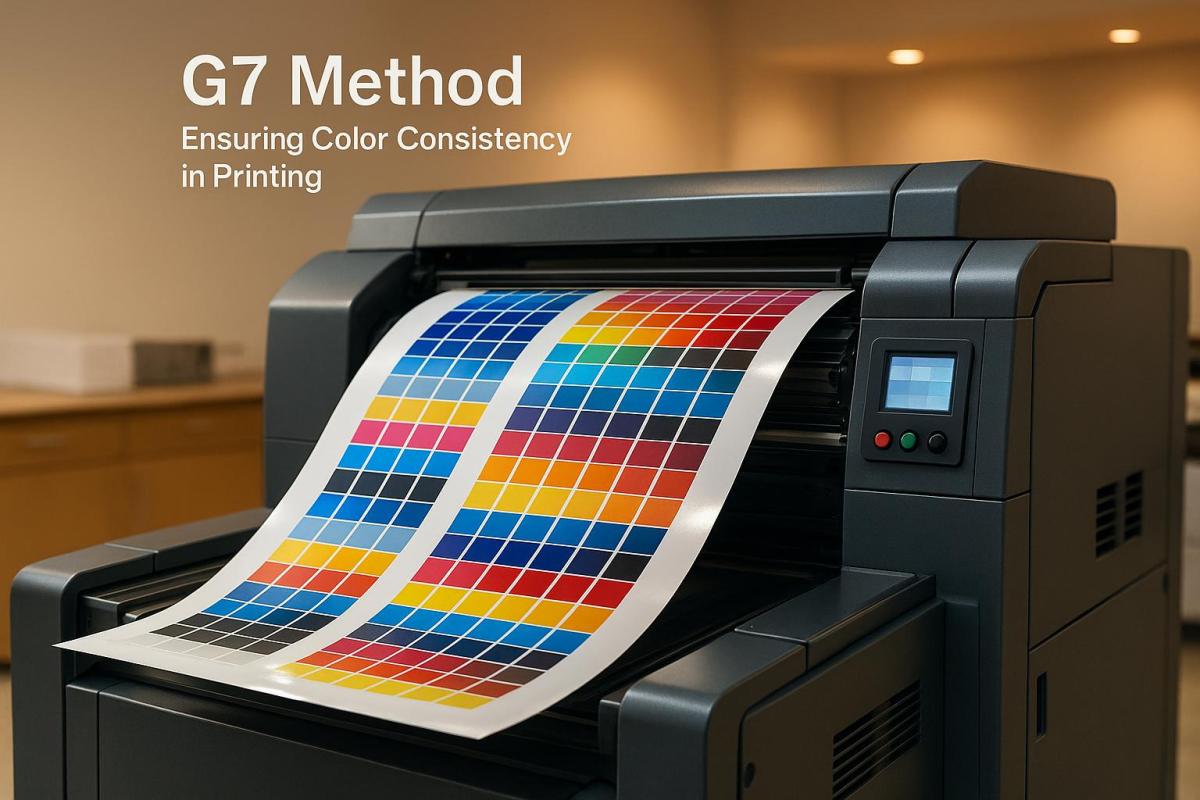
Certifications build on standardized testing to ensure consistent quality and durability. For instance, the G7 Master certification is awarded to printing facilities that maintain visual consistency and quality across various processes and equipment.

Similarly, ISO 9001:2015 certification outlines requirements for consistent production, quality control, and a focus on continuous improvement. For environmentally conscious businesses, certifications from the Forest Stewardship Council (FSC) and Sustainable Forestry Initiative (SFI) highlight a commitment to responsible resource management.

Additionally, certifications like Pantone Certified Printer status and ISO 9001:2015 ensure consistent color management and quality, which are critical for maintaining brand reputation. These certifications are especially important as the global large format printer market is expected to reach $13.70 billion by 2030. They also help reduce risks in highly regulated industries.

When selecting a printing partner, confirming their certifications is a smart step. It ensures your prints meet durability and quality standards, giving you peace of mind that they’ll perform as needed for your specific applications.

sbb-itb-ce53437

Best Practices for Making Prints Last Longer

To ensure your large format prints stand the test of time, focusing on proper installation and consistent maintenance is essential. These steps can significantly enhance print durability and keep them looking their best.

Proper Installation and Handling

The longevity of large format prints begins with a meticulous installation process. Start by preparing the surface – clean it thoroughly, repair any imperfections, and test adhesion with a small patch before committing to the full installation. Accurate measurements of the installation area are also critical, especially when dealing with irregular angles or obstacles.

For vinyl graphics, the hinge method offers a reliable approach. Position the graphic carefully, secure it with application tape, then fold down the top section. Remove the backing and use a squeegee to smooth the material from the center outward. This method minimizes bubbles and ensures a secure fit. When working with multi-panel designs, use application tape to align overlapping sections precisely, creating seamless transitions and avoiding weak spots. Tools like squeegees and rollers are indispensable, particularly on textured or uneven surfaces.

Finally, provide clients with clear maintenance instructions tailored to their specific installation. A little guidance can go a long way in preserving the quality of your work.

Maintenance and Care Tips

Regular upkeep is crucial for extending the life of prints. Dust, pollutants, and grime can accumulate over time, so gentle cleaning methods are key. Avoid harsh chemicals that might harm protective coatings or accelerate fading.

For print equipment, weekly maintenance is a must. Check and refill ink cartridges before they run dry, clean essential components, and use a brush or compressed air to remove internal dust. Regularly calibrate printheads to ensure consistent quality. Store printing equipment in a cool, ventilated space away from direct sunlight to prevent overheating or damage. Even when not in use, run the printer at least once a week to avoid ink drying out. Keep an eye on ink expiration dates using your printer’s tracking system.

These small but consistent efforts not only preserve print quality but also help identify potential issues early, saving both time and money.

When to Replace or Repair Prints

Knowing when to repair or replace prints is just as important as maintaining them. Signs like fading, streaks, or physical damage often indicate that replacement may be necessary. While minor issues like small tears or corner lifting can sometimes be repaired, persistent problems are usually a sign that a full replacement is more practical.

Weather, wear, and vandalism can also take their toll. For outdoor prints, seasonal factors like harsh winters or intense summer sun can lead to predictable wear patterns. Planning replacements in advance can help manage costs and maintain a polished brand image.

Technology can also drive the need for updates. If original files are incompatible with current printing systems or if color matching becomes unreliable, it might be time to upgrade. Outdated processes or equipment can lead to performance issues, such as slower print times or frequent breakdowns, making replacement the better option .

At Miro Printing & Graphics Inc., we collaborate with clients to create maintenance plans and replacement schedules that align with their budgets and marketing goals. This proactive approach minimizes emergency replacements and ensures their messaging remains sharp and effective.

Conclusion: Making Large Format Prints Last

The durability of large format prints depends heavily on making smart choices about materials, inks, and upkeep. With the printing industry projected at $494.53 billion in 2023, advancements in technology and materials are constantly reshaping how we approach print longevity. This makes selecting the right components more important than ever.

Creating long-lasting prints starts with choosing sturdy materials like UV-protected vinyl or PVC, paired with inks designed to endure environmental wear and tear. Outdoor prints, in particular, need solutions that can stand up to weather exposure. Companies like Miro Printing & Graphics Inc. showcase how a comprehensive approach – combining tailored materials with proper maintenance – can make a significant difference.

Since 1994, Miro Printing & Graphics Inc. has relied on over three decades of experience to provide solutions that go beyond just picking the right materials and inks. Every project is approached with a focus on its specific needs, whether it’s an indoor display in a high-traffic area or outdoor signage built to withstand the elements. Our team collaborates closely with clients to develop maintenance plans and replacement strategies that not only protect their investment but also ensure their brand stays front and center.

FAQs

How can I maintain large format prints to maximize their durability and lifespan?

To keep your large format prints looking their best and ensure your printer stays in great shape, here are some practical maintenance tips:

  • Clean regularly: Use a soft cloth or brush to gently clear away dust and debris from both your prints and the printer itself. This prevents buildup that could mess with print quality.
  • Stay on top of printer upkeep: Regularly calibrate the printheads, monitor ink levels, and clean the feeder rollers. These small steps can make a big difference in keeping your printer running smoothly.
  • Use the printer often: Printing regularly helps prevent ink from drying up and clogging the system, which can save you from frustrating repairs later.
  • Create the right environment: Keep your printer and prints in a space with stable conditions – low dust, moderate humidity, and consistent temperatures. This protects your equipment and ensures your prints last longer.

These simple habits can go a long way in maintaining both the quality of your prints and the longevity of your printer.

How do UV exposure and humidity affect the durability of large format prints?

Prolonged exposure to UV light can lead to fading colors and weakened materials, especially for outdoor prints. Without UV protection – such as laminates or specialized coatings – prints exposed to direct sunlight may only last around 2–3 years. Adding UV-resistant finishes can help extend their lifespan significantly.

Humidity is another factor that can affect print durability. High humidity can cause problems like ink bleeding, paper curling, or smudging, while low humidity may make the ink dry too quickly, reducing its adhesion to the surface. To keep your prints in good condition, aim for an environment with 40–60% humidity, as this balance helps prevent damage and ensures a longer life for your prints.

For durable, high-quality results, professional printing services – like those provided by Miro Printing & Graphics Inc. – offer expertise in creating large format prints that can stand up to environmental challenges.

What certifications guarantee high-quality and long-lasting large format prints?

When selecting a printing partner, certifications play a key role in guaranteeing the quality and longevity of large format prints. Keep an eye out for these important credentials:

  • Idealliance Wide/Grand Format Inkjet System Certification: Ensures consistent color accuracy and reliable performance.
  • ISO 9001: Focuses on quality management systems to deliver dependable results.
  • SGP Certification: Highlights environmentally responsible practices in printing.
  • UL Authorization: Verifies safety and reliability standards.

These certifications reflect a dedication to meeting industry benchmarks, assuring you that your prints will be both high-quality and durable.

Related posts

https://app.seobotai.com/banner/banner.js?id=685b6a2d5559d477e766f618

Checklist for Reviewing Hard Copy Proofs

Learn essential steps for reviewing hard copy proofs to ensure accurate colors, layout consistency, and professional quality before printing.

Why it matters:

  • Avoid costly reprints due to errors like color mismatches or layout issues.
  • Ensure your printed materials reflect your brand accurately.
  • Hard proofs show true colors, textures, and paper quality – unlike digital previews.

Key steps:

  1. Prepare before review:

    • Verify job specs (quantity, dimensions, paper type, colors, etc.).
    • Gather reference materials like original designs and brand guidelines.
    • Review in proper lighting conditions for accurate color evaluation.
  2. What to check:

    • Layout: Dimensions, margins, bleeds, and folds match your specs.
    • Color: Colors align with design and are consistent across pages.
    • Text: Proofread for typos, formatting, and accuracy of details like dates or URLs.
  3. Share feedback clearly:

    • Document issues with specific details (e.g., "Page 2, Line 5: Change ‘recieve’ to ‘receive’").
    • Mark corrections directly on the proof or use a digital tool for clarity.
    • Set expectations for revisions or final approval.

Bottom line:
Reviewing hard copy proofs ensures your final product is error-free and professional. Skipping this step could lead to expensive mistakes and damage your brand’s image.

Board Book Hardcopy Proof Guide

Steps to Take Before Starting Your Review

Avoid costly mistakes by preparing thoroughly before diving into your proof review. These steps will help you spot discrepancies efficiently and ensure your project stays on track.

Check Job Specifications

Make sure the proof aligns with the original specifications. Brumley Printing offers a key piece of advice:

"When using printing services, make sure you communicate the correct printing specifications to the printer. If directions are clear, you can avoid surprise costs, or, even worse, surprise results."

Here are the critical elements to verify:

  • Quantity matches your order
  • Flat and folded dimensions meet the specs
  • Paper weight, type, and coating align with your requirements
  • Ink colors (such as CMYK, Pantone, or special finishes) are correct
  • Bleed elements extend properly to avoid unintended white borders
  • Binding and finishing options (like folding, trimming, scoring, or bundling) match the original order

Collect Reference Materials

Having the right reference materials makes all the difference. Start with your original digital design – this is your primary tool for spotting layout, typography, or color inconsistencies.

Keep these additional materials on hand:

  • Color specifications and brand guidelines to ensure accuracy
  • Font information to confirm text consistency
  • Layout guidelines to check margins, trim areas, and spacing

For a more thorough review, print a hard copy of previously approved digital proofs to compare against the current version. This can help track any production changes. If possible, involve a colleague in the review process – they might catch errors you miss.

Create Proper Review Conditions

The environment where you review your proof matters, especially for color accuracy. Lighting should mimic the conditions where the final product will be displayed. Color expert Alain Briot advises:

"You need to look at your prints under color-calibrated lighting conditions to make an accurate comparison with the image on your monitor."

For accurate color evaluation, use D50 standardized lighting. If professional light booths aren’t available, an OttLite (calibrated to 5,000K daylight) works well for most scenarios.

Think about where the final piece will be used. For example, a restaurant menu should be reviewed under warm lighting, while a trade show banner needs assessment under bright, exhibition-like conditions. Photographer Diane Miller suggests:

"Evaluate the print in light as close as you can get to the actual viewing conditions and don’t try to match it to the monitor."

What to Check During Proof Review

Conduct a thorough proof review to catch errors before they lead to costly printing mistakes. Here’s what to focus on during your inspection:

Layout and Design Elements

Start by confirming the physical dimensions of your project. Double-check that the page size matches your order and that both flat and folded dimensions are accurate. For folded items, ensure the flat size translates correctly to the final folded dimensions.

Examine margins, bleeds, trim, and registration marks to ensure they align with the specifications. Misalignment in these areas can result in unwanted white borders or design shifts in the final product . If your project includes die cuts or perforations, confirm they’re correctly marked and positioned.

Verify the page sequencing, numbering, and fold placement. For folded designs, make sure the folds are in the right order and direction . Consistency is key: compare the design across all pages to ensure layouts, spacing, and element positioning remain aligned with your original specifications.

Once layout checks are complete, move on to color and print quality.

Color Accuracy and Print Quality

Color evaluation is one of the most critical aspects of proof review. As 40 VISUALS explains:

"Ensuring color accuracy in printing requires a comprehensive approach, from design to final production."

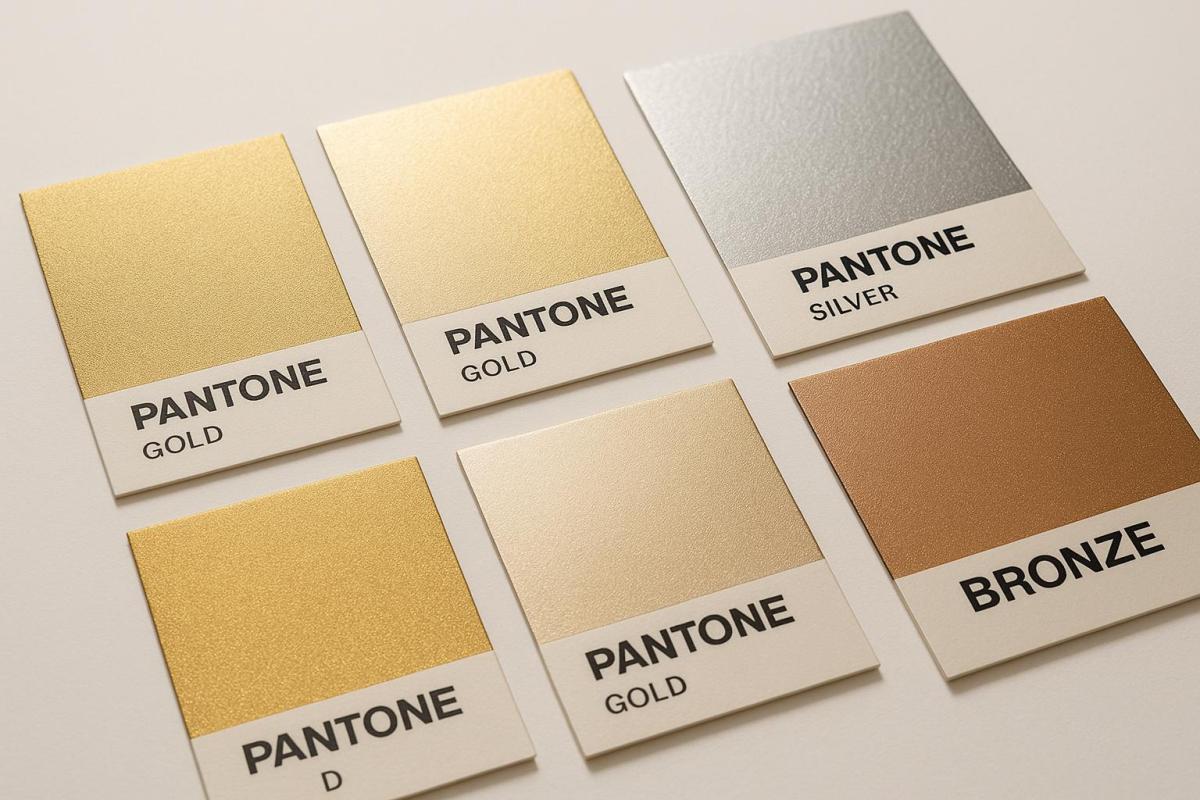
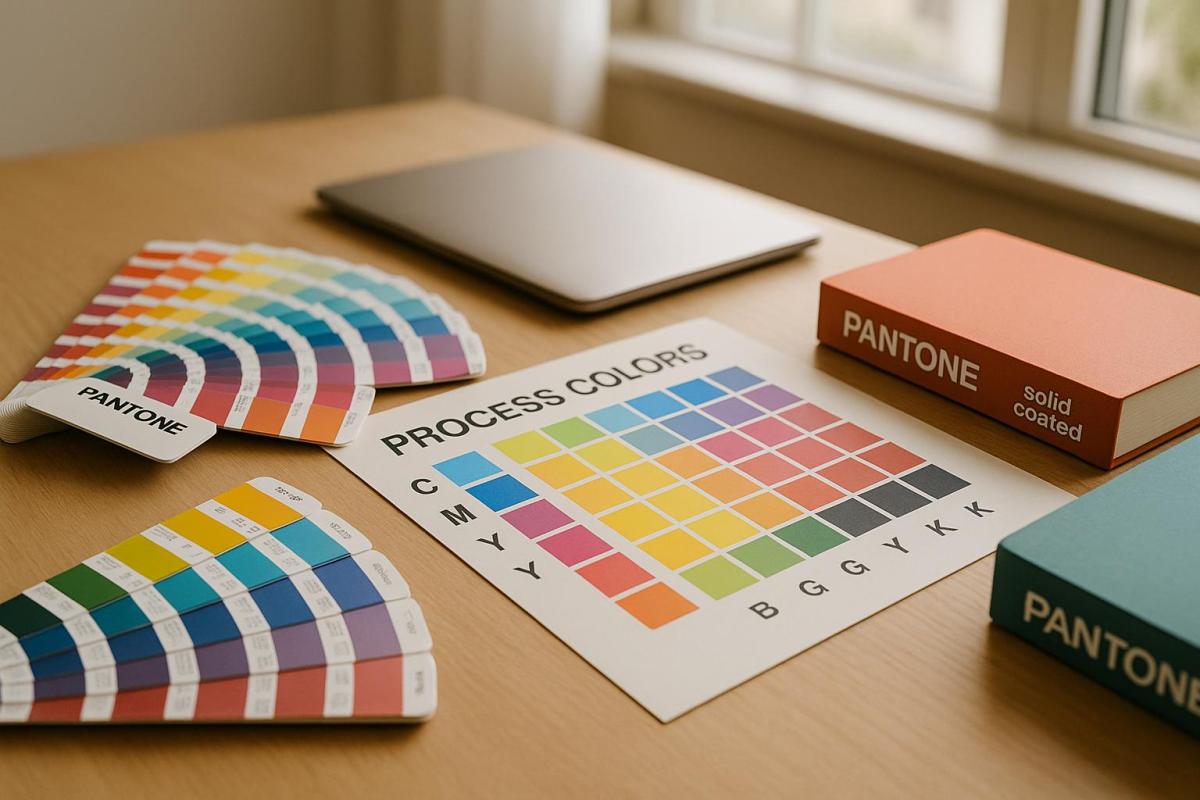
Match the printed colors to your original design and specifications. If you’re using Pantone colors, use your Pantone guide to confirm that the printed shades match your expectations. Keep in mind that CMYK colors are printed in layers (cyan, magenta, yellow, and black), while PMS colors offer a broader range.

Check for color consistency across all pages. Look for unexpected shifts, particularly where colors meet or overlap. Inspect images for sharpness and ensure ink coverage is even, avoiding streaks or thin spots. Verify that images and text are properly aligned and haven’t shifted during printing.

If your project includes special finishes like spot varnishing or foil stamping, confirm that these are accurately applied and aligned with the design.

Text and Content Review

A meticulous text review ensures your content looks professional. As Crowley Webb emphasizes:

"Careful proofreading doesn’t mean reading word by word; it means reading character by character."

Reading the document aloud can help you spot errors that are easy to miss, such as missing words, repeated phrases, or awkward sentences. This method also highlights issues with flow and readability.

Ensure formatting consistency throughout the document. Check that font styles, sizes, and spacing are uniform where they should be. Look for unintended variations in bold, italic, or underlined text.

Verify the accuracy of all names, numbers, dates, times, phone numbers, and website addresses. If the proof includes hyperlinks or QR codes, test them to ensure they work correctly.

Pay close attention to areas prone to typesetting errors, such as tables, figures, equations, and special characters. Lastly, review any previous corrections you requested. Compare the current proof to your earlier notes to confirm that all changes were implemented accurately.

sbb-itb-ce53437

How to Document and Share Your Feedback

Providing clear and detailed feedback is essential to avoid unnecessary delays and costly reprints.

List Problems and Needed Changes

Start by identifying all issues and prioritizing recurring errors. Create a systematic list of corrections, working through the document from beginning to end. For each issue, pinpoint the exact location by including details like the page number, line number, or figure number. This level of precision ensures the printer can quickly locate and resolve the issues.

When noting corrections, quote the error and specify the exact fix. For instance, instead of vaguely stating "fix the typo on page 3", write: "Page 3, line 12: change ‘recieve’ to ‘receive’." This eliminates guesswork and makes the process more efficient.

To streamline the documentation process, use digital tools. Record corrections in a text document or use the review mode in a PDF viewer. If direct PDF annotation isn’t an option, send an email with detailed instructions, including page, column, paragraph, and line numbers. This organized record becomes the foundation for your feedback to the printer.

Give Clear Feedback to the Printer

Once you’ve reviewed the proof, return it promptly – ideally within 1–2 days. Double-check that all elements are present and correct.

Clearly mark every required change. If your project includes color-sensitive elements, request a hard-copy color proof instead of relying solely on a digital PDF. This ensures colors are represented accurately.

Be explicit about your expectations for the next steps. Let the printer know if you need another proof to review or if they can proceed to print once changes are made.

Set Up the Approval or Revision Process

After documenting and sharing your corrections, establish a clear process to finalize the proof.

Consider using online proofing platforms to streamline the approval process. Define roles and responsibilities for everyone involved in reviewing the proof. If multiple people are part of the review, assign specific areas to each person to avoid overlapping feedback or missed corrections.

Set clear deadlines and send reminders to keep the process moving. Build a timeline that accounts for potential revisions while still ensuring you meet your production deadline. Consolidate all reviewer feedback using annotations and version control. For cases where multiple reviewers are involved, organize feedback systematically by categorizing it and assigning tasks.

Version control is crucial – it allows you to track changes and compare different versions easily. Before giving final approval, ensure all feedback has been addressed. Even if no changes are required, communicate your approval to the printer to avoid delays.

Use digital tools to compare proofs against the approved artwork, helping to spot any deviations. Keeping an audit trail of all approvals and changes ensures transparency and accountability. This documentation protects both you and the printer by maintaining a clear record of the entire process.

Conclusion: Getting a Perfect Final Product

Reviewing a hard copy proof is your last chance to catch errors before moving forward with a full print run. Think of it as your safety net, ensuring everything is exactly as it should be before committing to the final product. Skipping this step could lead to costly mistakes and reprints.

Hard copy proofs are created using the same materials and settings as your final print job, offering a precise preview of the finished product. This attention to detail helps you identify potential issues, like subtle color variations or unexpected differences in paper texture.

"If you want consistently high-quality prints, don’t skip out on the all-important proof!" – Professional Graphics Inc.

To ensure perfection, compare the printed proof to your original digital design. Pay close attention to color accuracy, scan for typographical errors, and examine image quality carefully. This meticulous review process ensures nothing is overlooked.

A well-documented workflow adds an extra layer of protection, creating transparency and reducing the risk of expensive reprints.

"Never sign off on a proof if it’s not correct." – 48 Hour Books

Before giving your final approval, confirm that the design, content, and overall quality meet your expectations. This step is non-negotiable for achieving a flawless end result.

FAQs

What should I look for when reviewing hard copy proofs?

When going through hard copy proofs, it’s important to keep an eye out for frequent issues that might compromise the final print quality. Look closely for blurry or low-resolution images, spelling and punctuation mistakes, and misaligned layouts. Double-check for consistent colors, make sure the page order and numbering are accurate, and confirm that all fonts appear as intended.

Also, pay attention to formatting discrepancies and any incomplete text that could lead to errors. Taking the time to carefully review ensures your printed materials come out polished and professional.

How can I make sure the colors in my hard copy proof match my original design?

To make sure your hard copy proof matches your original design in color accuracy, it’s essential to regularly calibrate your monitor and use ICC profiles. These tools help ensure your screen colors closely align with the colors in the printed output.

When collaborating with your printer, be specific about the type of paper and printing conditions you’re using, as these can greatly influence color consistency. It’s a good idea to request test prints or proofs to check for accuracy before giving the final go-ahead. Soft proofing – previewing the final output on your screen – can also help identify potential color issues early on.

For added peace of mind, you might want to partner with a reliable print provider like Miro Printing & Graphics Inc.. Their expertise in managing color fidelity across different printing methods and materials can make a big difference in achieving the results you want.

How can I provide clear and effective feedback to the printer after reviewing a hard copy proof?

To make your feedback clear and easy to act on, stick to straightforward communication methods. If you’re working with a hard copy, mark it up directly with notes, highlights, or annotations to indicate specific changes. Be precise – mention exact locations or elements, like saying, "Please adjust the color of the logo in the top-right corner."

If the printer allows digital feedback, you can scan or photograph the proof with your notes and send it over. Another option is to write a detailed summary of the needed adjustments. In this case, be sure to include specifics like page numbers, sections, or design elements to avoid confusion. Before submitting your feedback, double-check it for accuracy and completeness to ensure nothing gets overlooked.

Related posts

https://app.seobotai.com/banner/banner.js?id=685b41ca5559d477e766c151

Die-Cutting Design Tips for Stronger Structures

Explore essential die-cutting design tips to enhance durability and visual appeal, ensuring strong and efficient structures for your projects.

Die cutting combines precision and efficiency to create durable and visually appealing designs, but achieving the perfect balance requires careful planning. Here’s a quick summary of key tips for stronger die-cut structures:

  • Material Selection: Use durable materials like heavier cardstock or vinyl for better longevity. Add lamination for extra protection against wear and tear.
  • Design Principles: Opt for simple shapes (circles, squares) and rounded corners to reduce stress points. Place holes and score lines strategically to avoid weak spots.
  • Layout Optimization: Align designs with material grain for tear resistance and use nesting algorithms to minimize waste.
  • Equipment Maintenance: Keep cutting dies sharp and clean to ensure precise cuts and avoid production delays.
  • Testing and Quality Control: Create prototypes to identify weak points and use tools like vision systems or 3D scanning for defect detection.

5 Simple Ways to PERFECT Your Die Cut Images!

How Die-Cutting Design Affects Strength

When it comes to die cutting, every design choice plays a role in how durable the final product will be. For instance, sharp corners can focus stress, making thin materials prone to tearing. In contrast, rounded corners help distribute stress more evenly, improving overall durability.

Placement is also crucial. Holes should be positioned at least twice the material’s thickness away from edges, while score lines require a spacing of at least four times the material thickness. For end tabs, incorporating a hole can help dissipate stress effectively. These design principles lay the groundwork for choosing the right materials to ensure your design holds up over time.

Choosing Materials for Durability

Once you’ve accounted for stress distribution, selecting the right material becomes the next critical step. Heavier cardstock, for instance, provides better structural integrity for intricate designs, though it demands more precision in cutting. Finding the right balance between material thickness and the complexity of your design is essential.

For projects requiring extra durability, synthetic materials like vinyl are a smart choice. Unlike paper-based options, vinyl resists scratches, fading, and moisture, making it an excellent option for labels, decals, and promotional items. Adding a protective lamination layer can further improve durability while also enhancing the design’s visual appeal. Lamination resists UV damage and scratches and comes in various finishes like gloss or matte. Additionally, aligning your design with the paper’s grain direction can significantly boost tear resistance.

Balancing Appearance and Function

Striking the right balance between aesthetics and functionality is key to a successful die-cut design. Simple, bold shapes often offer better structural integrity than overly intricate patterns. Testing prototypes can help identify potential weak points before moving into full production.

Keep in mind that as designs become more complex, manufacturing costs tend to increase. Collaborating closely with your die-cutting provider can help you achieve a design that is both visually impactful and practical.

Also, consider the environment where the final product will be used. For outdoor applications, your design may need adjustments to withstand weather conditions, UV exposure, and moisture. Ultimately, opting for bold, straightforward shapes not only improves durability but also delivers a strong visual impression.

Design Methods for Stronger Die-Cut Projects

If you want die-cut projects that last, focus on design techniques that enhance structural strength. These approaches help your designs resist wear, hold their shape, and perform reliably over time.

Using Simple Shapes for Better Strength

When it comes to durability, simple geometric shapes are your best bet. Circles, squares, and rectangles handle stress more evenly than intricate patterns filled with multiple angles and curves. This is especially vital when working with thinner materials or items that will be handled frequently.

Why? Complex designs with sharp angles or directional changes tend to concentrate stress in specific areas, increasing the risk of failure. By sticking to simple shapes, you reduce these stress points and create a sturdier final product. If your project requires detailed elements, try breaking them into smaller, straightforward pieces that can be assembled later. This way, you keep the visual appeal without sacrificing strength.

Once you’ve simplified your design, it’s time to tackle potential weak spots.

Preventing Weak Spots in Your Design

Weak spots can emerge in predictable areas, but smart planning can help you avoid them. Sharp corners are a common culprit – they concentrate stress in small areas, making them prone to tearing. Instead, use rounded corners to spread forces more evenly across the material.

Hole placement is another critical factor. For optimal strength, follow these spacing guidelines:

  • Place holes at least twice the material’s thickness away from edges.
  • Maintain at least twice the material’s thickness between adjacent holes.
  • Never position holes directly on score lines, as this increases the risk of tearing.

If your design includes tabs, be extra cautious. Holes near tabs should also follow the "twice the thickness" rule. Additionally, end the internal edges of tabs with a small hole to dissipate stress and prevent cracking during handling.

Arranging Layouts for Material Efficiency

Once you’ve addressed simplicity and weak spots, focus on how you arrange your designs on the material. The layout plays a huge role in both cutting efficiency and the durability of the final product.

"Strategic placement of cutouts, consideration of grain direction, and careful selection of materials can minimize material consumption and waste generation."

Using tools like nesting algorithms and CAD simulations can help you optimize your layout. These methods reduce waste, strengthen individual pieces, and ensure a more efficient cutting process.

The way you arrange your cuts also affects the quality of the finished product. For example, reducing horizontal cutting lines and evenly distributing cutting pressure can improve both the strength and appearance of your pieces. Staggered cutting patterns – where impressions are shifted vertically in the machine’s running direction – lower pressure requirements, enhance waste removal, and prevent die and anvil deflection.

Finally, consider the material’s grain direction. Aligning your designs with the grain improves tear resistance, while positioning them against the grain can be better for parts that need to fold or bend in specific ways. Thoughtful layout decisions like these can make all the difference in creating a durable and efficient die-cut project.

sbb-itb-ce53437

Equipment Selection and Maintenance Tips

When it comes to die-cutting, the equipment you choose and how you maintain it play a huge role in ensuring structural precision and long-lasting performance. The right tools and consistent upkeep are the backbone of any accurate and reliable die-cutting project. From selecting cutting dies to maintaining your equipment, every choice matters.

Choosing the Right Cutting Dies

Picking the right cutting dies means aligning your tools with the specific needs of your project. For instance:

  • Material matters: Thin metal dies work best for lighter materials like paper, while steel rule dies are better suited for tougher materials like chipboard, fabric, leather, and wood veneer.
  • Volume and complexity: Rotary dies are great for handling high-volume jobs, while flatbed dies excel at detailed, custom designs. Thin metal dies are ideal for intricate patterns on lighter materials, but steel rule dies may struggle with such precision.

If you’re working on label designs, maintain a 1/16-inch safe zone to protect essential design elements. Also, ensure your dies are compatible with your cutting machine. Rotary, flexible magnetic, and flatbed dies each offer unique benefits depending on your production goals. For cost-conscious projects, magnetic cylinders and flexible dies can save money, although their durability may be slightly lower.

Once you’ve chosen the right dies, maintaining their sharpness and precision becomes the next priority.

Keeping Blades and Cutting Plates Sharp

Maintenance is key to extending the life of your dies and ensuring consistent cutting quality. Regular upkeep can make a big difference:

  • Cleanliness counts: Regularly clean your dies to reduce friction and maintain precision.
  • Inspect often: Check blades frequently for dullness, chips, or damage. Address any issues promptly by sharpening or replacing parts as needed.

"Operating a die with blunt, worn, missing or loose parts can result in inconsistent cutting or folding, including frayed edges." – Best Cutting Die

Proper storage also helps preserve your equipment. Use oil paper-protected containers and handle dies by their outer edges to avoid bending the blades.

"Die maintenance ensures die-cutting equipment continues to function correctly, meets original equipment manufacturer (OEM) standards and prolongs its lifespan." – Best Cutting Die

Setting up a regular maintenance schedule is non-negotiable. Best Cutting Die recommends thorough cleaning to prevent friction, routine inspections to catch worn parts, and timely sharpening to keep your production line running smoothly. These steps not only ensure better performance but also help you get the most out of your equipment.

Testing and Quality Control

Once your die-cut design and equipment maintenance are in place, the next step is thorough testing. This process ensures your project’s structural integrity and visual appeal before full-scale production begins. By catching potential issues early, you can avoid costly errors and ensure a smooth production run.

Making and Testing Sample Projects

Prototyping is an essential step to identify potential flaws in your design or materials before committing to mass production. By creating sample projects, you can evaluate both the structural durability and the visual quality of your design. Running a small batch using the actual production materials and settings helps uncover issues that might not be apparent during the design phase.

To test prototypes effectively, use methods like the snap test to identify overly deep cuts or weak spots. Pair this with tensile strength measurements and black marker tests to detect problems with material penetration.

"A good physical feel of the liner and even using a peeler bar to make sure it doesn’t break works well." – Paul Young

For the black marker test, apply a black marker or diluted ink around the die-cut area on the liner material. Check for any ink bleed-through, which signals that the cuts are too deep and could compromise the substrate.

Document all testing results meticulously. Note any weak points, incomplete cuts, or areas that don’t meet performance standards. This feedback is invaluable for refining your process and ensuring the final product is up to par.

Once prototypes pass the strength tests, shift your attention to a detailed inspection for defects.

Checking for Defects and Accuracy

Defect detection plays a critical role in maintaining quality and avoiding customer complaints. Combining traditional inspection methods with modern technology ensures a thorough review of each piece.

For real-time defect detection, inline vision systems are a game-changer. For example, in June 2025, JBC Technologies implemented inline vision quality systems with high-resolution cameras on high-speed rotary die-cutting machines. This setup enables instant defect identification, process adjustments, and traceability for quality audits. Such systems are especially crucial for industries like aerospace, medical, and EV battery production, where precision is non-negotiable.

For smaller-scale projects, manual inspections remain effective. Use proper lighting and magnification to spot incomplete cuts, frayed edges, or dimensional inaccuracies. Pair these methods with advanced tools like 3D scanning technology, which offers faster and more detailed inspections compared to traditional coordinate measuring machines. This is particularly useful for verifying complex die-cut shapes with multiple dimensions and angles.

Adopt a tiered quality control system tailored to your project’s risk level. High-stakes applications, such as medical devices or aerospace components, demand more rigorous inspections to ensure every piece meets stringent standards.

For large production runs, statistical sampling is a practical approach. For instance, Metal Cutting Corporation, which often produces lots of 100,000 parts, relies on sampling protocols to maintain efficiency. In a typical scenario with a lot size of 5,000 pieces, an AQL of 1.0, and inspection level II, a random sample size of 200 pieces would be inspected.

Track defect trends over time using control charts and statistical analysis. This data helps identify recurring issues and guides process improvements. Addressing problems early minimizes the risk of costly recalls and reinforces customer confidence in your product.

If you need additional expertise, companies like Miro Printing & Graphics Inc. in Hackensack, NJ, can provide valuable insights into quality control practices. Their experience ensures that your die-cut projects meet the highest standards in both design and durability.

Conclusion: Getting Die-Cutting Design Right

Creating exceptional die-cut designs means finding the right balance between visual appeal and durability. Start with smart material choices – opt for vinyl if weather resistance is a priority or heavier cardstock for intricate, detailed designs. Remember, your material selection directly affects the product’s lifespan. Designs with simple shapes and rounded corners tend to hold up better over time, as sharp angles are more prone to tearing or breaking. Combining creativity with practicality ensures your projects are both eye-catching and long-lasting.

Keeping your equipment in top shape is equally crucial. Regular cleaning, inspections, and blade sharpening help maintain precision while avoiding costly production delays.

Effective quality control is the final piece of the puzzle. Early inspections and thorough root cause analysis can catch defects early, reduce waste, and build trust with your customers. Together, these practices create a production process that’s reliable and efficient.

By focusing on thoughtful material selection, straightforward design, meticulous equipment care, and strong quality control, you can deliver die-cut projects that make a lasting impression.

For businesses looking for expert die-cutting services that emphasize both style and structural integrity, Miro Printing & Graphics Inc. in Hackensack, NJ, offers a full range of printing and post-press services. Their experienced team specializes in custom die-cutting projects with a keen eye for quality and detail.

FAQs

What materials work best for durable and weather-resistant die-cutting projects?

For die-cutting projects that need to hold up under challenging conditions, materials like neoprene, silicone, urethane, EPDM rubber, and tough plastics such as polycarbonate are solid options. These materials are built to last and can resist weathering, making them suitable for both indoor and outdoor use.

When choosing the right material, think about factors like exposure to moisture, UV light, or extreme temperatures. This will help ensure your project stays durable and looks great over time.

What are the best ways to design a die-cut project that minimizes waste and improves production efficiency?

To create a die-cut project that minimizes waste and improves production efficiency, start with thoughtful planning and efficient material use. Arrange cutouts carefully to reduce scrap, and steer clear of overly complicated shapes. Keeping the design simple not only cuts down on material waste but also helps save on costs.

Selecting the right materials is just as important. Look for options that are both durable and budget-friendly, ensuring they meet the specific requirements of your project. Using modern die-cutting technologies can also make a big difference. These tools help streamline the production process, reduce mistakes, and make the most of your materials. By focusing on these strategies, you can produce high-quality die-cut designs while keeping waste and expenses under control.

What are the best ways to ensure die-cut designs are accurate and consistent before starting mass production?

To get die-cut designs right before diving into mass production, start with visual inspections to spot any issues like nicks, burrs, or misalignments. These quick checks can save you from costly mistakes down the line. Next, rely on precision measuring tools to verify that the dimensions and tolerances align perfectly with your design specs.

During the die-cutting process, it’s crucial to keep an eye on critical factors like cutting pressure, material feed rate, and die temperature. Monitoring these parameters helps catch potential errors early. Regular in-process inspections using calibrated tools add another layer of quality control, ensuring consistent and reliable results. Together, these steps safeguard the structural integrity and appearance of your die-cut projects.

Related posts

https://app.seobotai.com/banner/banner.js?id=6859ecfc5559d477e7653553

Ultimate Guide to Recycled Paper Certifications

Explore recycled paper certifications to understand their environmental impact, benefits, and how to choose the right one for your needs.

Recycled paper certifications help ensure that paper products meet specific recycled content and environmental standards. They verify eco-friendly claims and build trust with consumers who care about sustainability. Here’s a quick summary of the key certifications and their features:

  • Forest Stewardship Council (FSC): Focuses on responsible forest management. Offers labels like FSC Recycled, FSC 100%, and FSC Mix.
  • Recycled Claim Standard (RCS): Requires a minimum of 5% recycled content and verifies material claims.
  • Global Recycled Standard (GRS): More comprehensive, requiring at least 20% recycled content (50% for labeling) and addressing chemical use and social responsibility.
  • SCS Recycled Content Certification: Verifies specific recycled content claims, with a minimum of 5% recycled material.

Quick Comparison

Certification Minimum Recycled Content Environmental Requirements Social Responsibility Chemical Restrictions Best For
FSC Varies by product Yes Yes N/A Forest-based products
RCS 5% No No No Basic recycled claims
GRS 20% (50% for labeling) Yes Yes Yes Premium sustainable products
SCS Recycled 5% Limited No N/A Independent content verification

Why it matters: Using certified recycled paper reduces waste, saves energy, and helps meet regulatory standards. It also improves brand image, as 70% of consumers are willing to pay more for sustainable products. Choose the certification that aligns with your goals, whether it’s FSC for forest stewardship or GRS for broader sustainability.

Ready to dive deeper? Keep reading to explore certification processes, benefits, and how to choose the right recycled paper for your projects.

Recycled, Post-consumer recycled, and FSC paper

Main Recycled Paper Certification Standards

When choosing recycled paper for your printing needs, it’s essential to understand the three main certifications that ensure quality and sustainability.

Forest Stewardship Council (FSC) Certification

Forest Stewardship Council

The Forest Stewardship Council (FSC) certification is one of the most widely recognized labels for responsible forest management. It guarantees that products come from forests managed in a way that benefits the environment, society, and the economy. Globally, 56% of consumers recognize the FSC label, and among them, 77% prefer FSC-certified products.

FSC certification is built on 10 core principles, including adherence to laws, worker rights, respect for Indigenous communities, contributions to local well-being, and comprehensive management plans.

For recycled paper, FSC offers three distinct labels:

  • FSC Recycled: Ensures 100% of the paper fiber is recycled, with at least 85% sourced from post-consumer waste.
  • FSC 100%: All materials come from FSC-certified, responsibly managed forests.
  • FSC Mix: Combines recycled material, FSC-certified material, or controlled wood.

The certification process includes a rigorous "chain of custody" system to ensure that certified materials are kept separate from non-certified ones throughout the supply chain.

"FSC certification – which are credited following compliance to the Ten FSC Principles & Criteria – ensures that products come from well-managed forests that provide environmental, social, and economic benefits."

Recycled Claim Standard (RCS) and Global Recycled Standard (GRS)

Recycled Claim Standard

Unlike FSC, which focuses on forest management, the Recycled Claim Standard (RCS) and Global Recycled Standard (GRS) are dedicated to verifying recycled content. Both rely on third-party chain-of-custody audits to confirm compliance.

  • RCS: Applies to products with at least 5% recycled material, ensuring transparency about recycled content.
  • GRS: Requires a minimum of 20% recycled content (50% for labeling). It goes further by imposing stricter standards for environmental impact, chemical use, and social responsibility.
Criteria RCS (Recycled Claim Standard) GRS (Global Recycled Standard)
Minimum Recycled Content 5% 20% (50% for labeling)
Environmental Requirements No Yes
Chemical Restrictions No Yes
Social Responsibility No Yes
Labeling Rules Can be labeled with 5% recycled content Must have 50% recycled content for labeling

These standards not only define what "recycled" means but also encourage companies to reduce their environmental footprint and increase the use of recycled materials.

SCS Recycled Content Certification

SCS has been a leader in recycled content verification since 1989. Their certification confirms the percentage of recycled material in a product, whether it’s pre-consumer or post-consumer, and adheres to internationally recognized standards like ISO 14021 and ISO 17065.

Products with at least 5% recycled content can qualify for SCS certification, with the process typically taking 5–8 weeks. This certification helps businesses meet customer expectations, gain recognition in green programs, and comply with standards such as LEED. It also allows companies to stand out by showcasing their commitment to reducing reliance on virgin materials.

"Most of our customers ask us if we have this certification or not. So, that’s why we need SCS Global Services’ 100% Recycled Content Certification." – Cecil Chan, Director, Fizlestari

"It is very important for us to have certification on our PCR content because it proves that what we’re doing is actually legitimate." – Kali Kinziger, Product Manager, Placon

Certification Processes and Requirements

Obtaining recycled paper certifications involves thorough preparation, meticulous documentation, and consistent compliance monitoring. Understanding these steps is essential for manufacturers and printing service providers to navigate the certification process successfully.

Steps to Get Certified

The process begins with preparation and a detailed assessment. Companies need to evaluate their manufacturing processes, supply chain documentation, and quality controls. This includes reviewing production data, chain-of-custody procedures, material quantification methods, and mass-balance calculations.

Third-party audits play a key role in certification. Auditors assess production facilities, review documentation, and ensure compliance with environmental and social standards. These inspections confirm that companies meet the claims they make about their eco-friendly practices.

For FSC Chain of Custody certification, companies must provide extensive documentation covering chain-of-custody processes, quality controls, sourcing and production records, and FSC labeling procedures. This certification is especially important for printing service providers looking to use FSC trademarks on their materials.

SCS certification, on the other hand, requires companies to demonstrate that their products contain at least 5% recycled content, whether from pre-consumer or post-consumer sources. This involves a comprehensive evaluation of both manufacturing processes and material sourcing.

Maintaining certification is an ongoing effort. Annual surveillance audits and regular internal reviews are necessary to identify and address compliance issues. Companies should implement strong record-keeping practices and train employees to ensure adherence to certification standards. These efforts align with state-specific regulations, such as those in California.

U.S. Recycled Content Standards

In addition to certification requirements, the U.S. enforces specific recycled content standards, with California often leading the way. These regulations significantly influence compliance practices across the country.

California, for instance, sets minimum post-consumer content standards for various paper products:

  • Printing paper: 30% post-consumer content
  • Toilet paper: 45%
  • Paper towels: 40%
  • Facial tissue: 10%
  • Toilet seat covers: 20%
  • Paper wipers: 40%.

Products must also meet recyclability standards to qualify for "unqualified recyclable" labeling. This means that recycling facilities must be accessible to at least 60% of the consumers or communities where the product is sold.

Documentation is critical for compliance. Organizations are required to maintain detailed records that verify the recycled content and recyclability of their paper purchases. This includes vendor certifications, purchase invoices, and other compliance documents. To simplify this process, CalRecycle provides a Recycled-Content and Recyclable Paper Certification form.

These standards are particularly important given the scale of paper consumption in the U.S. The country uses around 100 million tons of paper annually. In 2012, 65% of domestic paper was recycled, with recycled paper making up 33% of the raw materials used in U.S. papermaking.

For printing providers using FSC-certified materials, maintaining chain-of-custody from the forest to the final product is essential. This includes securing Chain of Custody certification to use FSC trademarks.

Non-compliance with these standards can result in severe financial penalties. Waste-related violations can lead to fines ranging from a few hundred dollars to millions, depending on the severity of the infraction. Adhering to certification requirements and monitoring compliance is not just environmentally responsible – it’s also a smart financial decision.

Benefits of Using Certified Recycled Paper

Certified recycled paper goes beyond being an eco-friendly choice – it delivers practical advantages that align with sustainability goals, regulatory demands, and business growth.

Environmental Advantages

Switching to certified recycled paper offers measurable benefits for the planet. Landfills are the largest source of methane emissions, with decomposing paper being a major contributor. Methane is particularly harmful, trapping over 20 times more heat than carbon dioxide, making it a key driver of climate change.

Recycled paper production is resource-efficient, requiring about 26% less energy compared to virgin fiber production and generating approximately 40% less wastewater. Considering the paper industry is one of the top energy consumers, these reductions not only lower industrial energy demand but also relieve stress on local water systems and treatment facilities.

Additionally, certified recycled paper reduces the need for virgin wood fiber, helping to conserve forests. This supports biodiversity, enhances carbon sequestration, and combats forest degradation. These environmental benefits also align with emerging legal requirements, making this choice a strategic one for businesses.

Staying Compliant with Regulations

The legal landscape around recycled content is shifting, making certified recycled paper a critical tool for compliance. In the U.S., several states are introducing post-consumer recycled content (PCR) standards for packaging, including paper products. By 2025, five states will require certain containers and packaging to meet minimum recycled content levels, and Extended Producer Responsibility (EPR) programs for packaging will be in place in these states by February 2025.

Certified recycled paper helps businesses meet these PCR mandates, avoiding penalties and benefiting from incentives. Some EPR laws even include eco-modulation, which offers lower fees for using higher PCR content. Certifications provide independent verification of recycled content claims, a key factor during regulatory audits. Experts recommend that companies proactively pursue PCR certification or source materials with certified PCR while staying updated on new EPR regulations and proposals. The trend of combining recycled content standards with financial incentives makes early adoption of certified materials a smart move.

Boosting Brand Image

The benefits of certified recycled paper extend to marketing and brand perception. Using this paper sends a clear message about a company’s environmental commitment, which resonates with today’s consumers. Third-party certifications on packaging and marketing materials serve as credible proof of a brand’s sustainability efforts, helping businesses stand out in competitive markets.

Corporate sustainability reports can highlight the measurable benefits of using certified recycled paper, such as energy savings, waste reduction, and recycled content usage. These metrics not only strengthen a company’s environmental credentials but also enhance business-to-business relationships, as many large corporations now require suppliers to meet specific environmental standards.

With consumers increasingly favoring eco-conscious brands, certifications become a powerful tool for differentiation. Companies that effectively communicate their sustainability efforts through certified recycled paper are better positioned to attract environmentally conscious buyers. This choice not only supports sustainability goals but also provides a competitive edge in both the market and regulatory landscapes, reflecting the industry’s growing focus on eco-friendly practices.

sbb-itb-ce53437

Comparing Certification Standards

This section takes a closer look at the key features of recycled paper certification standards, helping you make an informed choice. By contrasting the main elements of these certifications, you can better align your selection with your sustainability goals and market demands.

RCS (Recycled Claim Standard) is considered an entry-level certification, requiring a minimum of 5% recycled content and focusing primarily on material verification. On the other hand, GRS (Global Recycled Standard) applies to products with 20–100% recycled content and incorporates broader environmental and social criteria, such as chemical management, energy efficiency, and fair labor practices. Meanwhile, FSC (Forest Stewardship Council) ensures sustainable forest management, and SCS Recycled Content focuses on verifying specific recycled content claims.

When deciding between RCS and GRS, your choice will often depend on your sustainability objectives and the expectations of your target market. GRS is widely recognized in premium markets with strict sustainability requirements, whereas RCS offers a more economical option with fewer compliance demands.

Certification Comparison Table

Here’s a quick side-by-side look at the key differences among these certifications:

Criteria RCS (Recycled Claim Standard) GRS (Global Recycled Standard) FSC Certification SCS Recycled Content
Minimum Recycled Content 5% 20% (50% for labeling) Varies by product Varies by claim
Material Verification Yes Yes Yes (chain-of-custody) Yes
Environmental Requirements No Yes Yes Limited
Chemical Restrictions No Yes N/A N/A
Social Responsibility No Yes Yes No
Supply Chain Certification Yes Yes Yes Yes
Primary Focus Recycled content tracking Comprehensive sustainability Forest stewardship Content verification
Best For Basic recycled content claims Premium sustainable products Forest-based products Independent content verification

Key Insights:

  • GRS stands out for its rigorous requirements, addressing chemical use, energy consumption, waste reduction, and social responsibility – areas not covered by RCS.
  • RCS-certified materials can be included in GRS-certified products, but the reverse is not allowed, reflecting the stricter standards of GRS.
  • FSC is ideal for products derived from forest materials, ensuring responsible sourcing practices.
  • SCS provides a straightforward option for verifying recycled content without additional environmental or social criteria.

As the certification landscape evolves, organizations like Textile Exchange are working toward a unified standard system, with a pilot version anticipated by 2025. This shift aims to simplify the certification process while maintaining credibility.

When choosing a certification, consider factors like your budget, market requirements, and sustainability priorities. For government contracts or large-scale projects, certifications like GRS or FSC may be necessary due to their comprehensive coverage. Smaller businesses, however, might find RCS or SCS sufficient for meeting basic recycled content claims. By understanding these distinctions, you can select the most suitable certification for your needs.

Choosing Certified Recycled Paper for Printing Projects

Selecting the right recycled paper for your printing needs involves balancing performance with environmental responsibility. Start by considering factors like paper size, weight, brightness, and material composition to ensure compatibility with your project requirements. The type of printer you’re using – whether inkjet or laser – also matters, as each technology works best with specific paper characteristics. Additionally, assess finishes and other physical properties to align with your printing equipment.

When evaluating recycled paper, check the post-consumer content. According to Federal Trade Commission guidelines, only paper made from 100% post-consumer recovered fiber can be labeled as "recycled". Opting for post-consumer recycled paper not only reduces landfill waste but also amplifies environmental benefits. For instance, using 20 cases of recycled paper saves 17 trees, 390 gallons of oil, 7,000 gallons of water, and 4,100 kWh of energy.

Decide whether coated paper, ideal for sharper images, or uncoated paper, known for its versatility, suits your project better. Also, verify the paper’s opacity if you plan to print on both sides.

Certifications can help you identify responsibly sourced paper. Look for certifications from organizations like the Forest Stewardship Council (FSC), which ensures sustainable forest management. Other certifications, such as Green Seal or Ancient Forest Friendly, provide additional environmental assurances.

Before committing to large quantities, it’s smart to test the paper. Recycled paper may require adjustments to print settings – such as speed or pressure – to achieve the best results. Buying in bulk can save money, but keep in mind that eco-friendly options might have limited stock.

Green Printing with Miro Printing & Graphics Inc.

Once you’ve chosen the right recycled paper, working with experienced professionals can make all the difference. Partnering with a full-service print shop that specializes in sustainable practices can help elevate your project. For example, Miro Printing & Graphics Inc. offers expertise in handling various recycled paper types through services like digital, offset, and large-format printing.

Their team simplifies the process of selecting and using recycled paper. Whether you need eco-friendly business cards, marketing brochures that reflect your commitment to the environment, or large banners made from sustainable materials, they understand how to optimize recycled paper for different printing methods.

Today’s recycled paper combines quality with sustainability. The printing process itself can also be more environmentally friendly. For instance, using vegetable-based inks not only produces vibrant colors but also serves as a greener alternative to petroleum-based inks.

Miro Printing & Graphics Inc. further enhances its sustainable printing services with in-house bindery and finishing capabilities. This means your project – from printing to final touches – can be completed under one roof. Located in Hackensack, NJ, they provide services across New Jersey, New York, and Connecticut, accommodating everything from custom small orders to large production runs.

The environmental benefits of recycled paper are undeniable. Its manufacturing process uses 31% less energy than virgin fiber paper and saves approximately 9,250 gallons of water per ton. When combined with professional printing expertise, recycled paper becomes a powerful tool for sustainable business communication.

Conclusion

Recycled paper certifications represent more than just a badge of sustainability – they’re a tangible way to back up your environmental commitments and earn the trust of customers who care about responsible practices. With 80% of consumers considering sustainability important and 60% willing to adjust their buying habits to reduce environmental impact, choosing certified recycled paper is a smart move that aligns business goals with environmental responsibility.

There are several certification options to explore. For instance, FSC certification emphasizes a science-based approach to managing forests, while SCS Recycled Content certification requires at least 5% recycled material. As Sarah Quirk from EcoEnclose puts it, "Certifications are an excellent way to communicate your investment in thoughtful production and products". These certifications not only provide a structured approach to sustainability but also help businesses showcase their commitment to responsible practices.

The benefits extend beyond just being environmentally conscious. Over 70% of consumers are willing to pay a premium for sustainably sourced products, and 84% report that poor environmental practices could push them away from a brand. Additionally, products marketed as sustainable are growing 2.7 times faster than their non-sustainable counterparts.

For businesses looking to adopt certified recycled paper, setting clear sustainability goals and working with experienced print providers is key. Companies like Miro Printing & Graphics Inc. can guide you through the process, from selecting the right recycled paper to optimizing printing methods – including digital, offset, and large-format printing – ensuring your projects meet both environmental standards and high-quality expectations.

FAQs

What are the main differences between FSC, RCS, GRS, and SCS recycled paper certifications, and how do I decide which one is best for my needs?

The main differences between FSC, RCS, GRS, and SCS recycled paper certifications come down to their specific focus and requirements:

  • FSC (Forest Stewardship Council) emphasizes responsible sourcing of both recycled and virgin fibers, supporting sustainable forest management practices.
  • RCS (Recycled Claim Standard) ensures products contain recycled materials, while GRS (Global Recycled Standard) takes it a step further, requiring at least 50% recycled content and compliance with additional social and environmental criteria.
  • SCS (Scientific Certification Systems) specializes in verifying recycled content and environmental claims, often highlighting post-consumer recycled materials.

When deciding which certification to pursue, consider your sustainability goals. If your priority is high recycled content combined with social accountability, GRS might be the best fit. For straightforward verification of recycled content, RCS is a solid option. If you value responsible forest management alongside recycled content, FSC could be the right choice. Match the certification to the specific needs and values of your project.

How can using certified recycled paper benefit my business and its environmental impact?

Using certified recycled paper can have a meaningful impact on both your business and the environment. By choosing this option, you help conserve natural resources, reduce greenhouse gas emissions, and save energy and water. These actions play a direct role in addressing environmental challenges and supporting efforts to mitigate climate change.

But the benefits don’t stop there. Adopting eco-friendly practices like using recycled paper can also elevate your brand. It shows your commitment to corporate responsibility, builds trust with customers, and resonates with environmentally conscious consumers. This not only fosters stronger customer loyalty but can also give your business a competitive edge, enhancing your reputation and paving the way for long-term growth.

How can a company prepare for and maintain compliance with recycled paper certifications?

To gear up for recycled paper certification, businesses should start by crafting clear policies that emphasize the importance of recycled materials. For instance, setting a goal like using at least 50% recycled content in printing and mailing papers can serve as a practical benchmark. It’s also crucial to implement systems that track and verify the recycled content in the materials being used.

Staying compliant involves a few key practices: conducting regular audits, renewing certifications on time (usually every year), and consistently meeting certification standards. Companies should also keep thorough records of their supply chain processes and stay updated on any changes to certification requirements. These efforts help ensure that operations align with sustainability objectives and certification guidelines.

Related posts

https://app.seobotai.com/banner/banner.js?id=6858e1bf5559d477e763e742

How Folding Impacts Print Design and Usability

Explore how folding shapes print design, enhancing usability and engagement. Learn the best techniques for effective communication through folds.

Folding isn’t just about saving space – it’s a key part of print design that affects how people interact with your materials. The right fold can guide readers through your content, create excitement, and make complex ideas easier to understand. The wrong fold? It can confuse or frustrate your audience.

Key Benefits of Folding:

  • Organizes Content: Folds divide information into manageable sections, making it easier to follow.
  • Enhances User Experience: Adds an interactive element and controls how content is revealed.
  • Saves Space: Compact designs are easier to store and distribute.
  • Boosts Visual Appeal: Clean, precise folds show professionalism and attention to detail.
  • Half Fold: Simple, 4 panels – great for menus or invitations.
  • Tri-Fold: 6 panels, ideal for brochures or step-by-step guides.
  • Z-Fold: 6 panels, perfect for comparisons or quick references.
  • Gate Fold: Dramatic reveal – great for product launches or luxury designs.
  • Accordion Fold: Continuous flow, best for timelines or educational materials.

Quick Comparison Table:

Folding Style Panels Best For
Half Fold 4 Menus, invitations
Tri-Fold 6 Brochures, guides
Z-Fold 6 Comparisons, references
Gate Fold 4 Product launches, announcements
Accordion Fold 4-6 Timelines, educational content

Folding isn’t just functional – it’s a design tool that can make your print materials more engaging and effective. Choose the fold that best matches your content and audience for the best results.

Understanding Imposition and Printer Spreads for Designers

Common Folding Methods and Their Uses

Understanding how different folding techniques align with your project goals can help you create engaging and effective materials. Each fold not only shapes the user experience but also determines how content is communicated.

Here’s a breakdown of the most common folding styles and how they can be used effectively.

Half Fold (Bi-fold) is the simplest folding method, dividing the paper into two equal sections with a single fold. This creates four printable panels, making it perfect for greeting cards, invitations, announcements, and straightforward menus. Its clean and intuitive design ensures ease of use and familiarity.

Tri-Fold (Letter Fold) divides the paper into three sections with two parallel folds, where the outer panels fold inward. This layout provides six panels and fits neatly into standard envelopes, making it ideal for step-by-step presentations, product brochures, and detailed menus. Its structure naturally guides readers through sequential content.

Z-Fold uses two alternating folds to create three sections of similar size, forming a zigzag pattern. Like the tri-fold, it offers six printable panels, but its unique folding style allows all sections to be viewed simultaneously when partially opened. This makes it great for quick reference materials and side-by-side comparisons.

Gate Fold features two panels that open outward like doors, revealing the inner content. This creates a sense of anticipation and visual impact, making it an excellent choice for product launches, special announcements, and high-end marketing materials.

French Fold (Quarter Fold) combines horizontal and vertical folds to create four equal panels. This compact format works well for maps, illustrated guides, and event invitations, offering a visually engaging way to present information.

Roll Fold (Barrel Fold) involves multiple panels folded inward in the same direction, creating a rolled appearance when unfolded. It works best for presenting step-by-step instructions, multi-course menus, or detailed guides where content flows sequentially.

Accordion Fold alternates folds to create a series of parallel panels, resembling an accordion when extended. This style is ideal for timelines, chronological content, or materials that benefit from a continuous, flowing layout.

"Folding paper can be a powerful way to engage readers, just a couple of well-placed folds can add a great deal of dimensionality and surprise!"

  • Bambra

Where to Use Each Folding Technique

Different industries and projects lend themselves to specific folding styles. For instance, restaurants often use tri-folds for detailed menus and half-folds for simpler items like wine lists or daily specials. Roll folds are particularly effective for multi-course tasting menus, as the sequential layout mirrors the dining experience.

In corporate settings, tri-folds are commonly used for product brochures and service overviews because they present a professional and organized format. Gate folds, with their dramatic reveal, are perfect for high-impact materials like product launches or annual reports.

Event planners frequently use French folds for wedding invitations and event programs, offering a compact yet elegant design. Accordion folds are often chosen for conference schedules and event timelines, providing attendees with a user-friendly way to access information at a glance.

Other industries also benefit from tailored folding techniques. Educational institutions might use Z-folds for course catalogs and program details, allowing for easy side-by-side comparisons. Real estate professionals often opt for gate folds to showcase luxury properties with a striking visual presentation. Similarly, healthcare providers can use accordion folds to create clear, step-by-step patient education materials.

Folding Methods Comparison Table

Folding Technique Key Features Primary Benefits Best Applications
Half Fold Single fold, 2 panels, 4 print areas Simple and easy to navigate Greeting cards, invitations, basic menus
Tri-Fold Two parallel folds, 3 panels, 6 print areas Fits standard envelopes, guides sequential content Product brochures, service guides, detailed menus
Z-Fold Alternating folds, 3 equal panels, 6 print areas Allows simultaneous viewing of panels Course catalogs, quick references, comparison materials
Gate Fold Two panels open inward, dramatic reveal High visual impact, builds anticipation Product launches, luxury brochures, announcements
French Fold Horizontal and vertical folds, 4 equal panels Compact and visually engaging Maps, illustrated guides, wedding invitations
Roll Fold Multiple inward folds, sequential presentation Perfect for step-by-step content Instructions, multi-course menus, care guides
Accordion Fold Alternating parallel panels, continuous flow Best for chronological or flowing layouts Timelines, event schedules, educational materials

Choosing the right folding method depends on your content, audience, and how the material will be distributed. Think about how your readers will interact with the piece and the impression you want to leave when deciding on a folding style.

How Folding Changes Print Design and Layout

Folding has the power to turn a flat print into something much more engaging. It shapes how people interact with your design, guiding them through the content in a structured way. To create effective folded materials, it’s essential to understand this interaction and how folding impacts both design and layout.

The fold acts as a storytelling tool. Unlike flat designs where everything is visible at once, folded pieces reveal information step by step. Your layout needs to work on two levels: each panel should stand alone, yet all panels must come together seamlessly when fully opened.

Design Rules for Folded Materials

To make folded designs effective, you need to balance technical precision with creative vision. Here are some key principles to keep in mind:

  • Panel alignment: Panels need to line up perfectly for a polished look. Misaligned panels can make your design feel disorganized, affecting both readability and the placement of visuals.
  • Bleed and margin management: Extend images slightly beyond the trim line and keep text away from edges and folds. This prevents misalignments, especially where panels meet, which can be distracting and unprofessional.
  • Content flow: Each panel should tell its own mini-story while contributing to an overarching narrative. Think of it as a conversation – each panel should naturally lead to the next, keeping the reader curious and engaged.
  • Gutter space management: When content crosses over a fold, like in booklets, increase the inner margins to avoid losing important details in the crease. This ensures readability and prevents crucial text from disappearing.
  • White space strategy: Use white space thoughtfully to make your design easy on the eyes. Plan how it works on individual panels and when multiple panels are viewed together. White space gives your design breathing room and directs attention to key elements.

Mock-ups are essential for spotting alignment issues and other design flaws early in the process.

Using Folding to Improve Message Delivery

Once the technical aspects are set, folding can be used creatively to enhance how your message is delivered. It’s not just about the fold itself – it’s about how the fold works as part of your storytelling.

  • Sequential revelation: Folding allows you to control when and how information is revealed. Start with a captivating hook on the front panel, then guide readers through supporting details as they unfold the piece. This creates a natural flow that keeps them engaged.
  • Interactive design elements: Folding can add an interactive layer to your design. For instance, a gate fold can mimic doors opening, inviting readers to physically engage with the piece. This makes the fold an integral part of the experience, not just a practical feature.
  • Content prioritization: Use the front panel to grab attention, inner panels for detailed information, and the back panel for a strong call to action. This structure helps break down complex ideas into manageable sections.
  • Visual continuity: Maintain consistent colors, fonts, and design elements across all panels. Whether folded or fully opened, the design should feel cohesive and intentional.
  • Balance considerations: Spread text, images, and white space evenly across the panels to avoid overwhelming any single section. A cluttered panel can throw off the entire design, even if the rest is well-organized.

The secret to successful folded design lies in treating the fold as a feature, not a limitation. By integrating folding into your design process, you can create materials that are both functional and engaging. This approach ensures your message is delivered more effectively than with traditional flat designs.

sbb-itb-ce53437

Usability and Function of Folded Materials

Folded materials do more than just look good – they create an interactive experience that guides the reader through your content. Each fold adds an element of discovery, turning a flat print into something dynamic and engaging. The process of unfolding draws readers in, revealing information gradually and making the experience more memorable.

How Users Interact with Folded Designs

The way a piece is folded directly affects how readers engage with it. Different folding styles offer unique experiences:

  • Half-folds are simple and intuitive. Most people instinctively know how to open them, making them perfect for straightforward messages that require minimal effort to understand.
  • Tri-folds encourage a bit more exploration. Readers choose which panel to start with, allowing for information to be presented in smaller, more digestible sections. This makes them great for highlighting multiple points of interest.
  • Z-folds guide readers through a set sequence, making them ideal for step-by-step instructions or a story that unfolds logically from one panel to the next.
  • Gate folds add a dramatic element. Readers must open the panels to reveal the central message, which can create a more immersive and engaging experience, though it requires more effort.

The material itself also plays a role. Heavier paper feels more professional and encourages readers to spend more time with it, while lighter paper is better suited for quick-reference materials. These details may seem small, but they significantly impact how people interact with and perceive the piece.

Accessibility and Engagement Factors

When designed thoughtfully, folded materials can improve accessibility and engagement. For instance, using large fonts and high-contrast colors makes text easier to read. Breaking content into sections across panels, with plenty of white space, helps keep things clean and easy to follow.

Folded designs can also be particularly helpful for people with cognitive disabilities. Presenting information step by step, with clear language and visual aids, allows readers to absorb the message at their own pace. Similarly, lightweight materials with easy-to-grip edges make it easier for those with limited dexterity to handle the piece.

For those with low vision, high-contrast color pairings like black text on a white background improve readability. Adding texture or patterns alongside color helps readers who struggle to differentiate between colors.

Engagement also gets a boost with well-designed folds. Studies show that 57% of viewing time is spent on content above the fold in digital media, a principle that applies to physical prints as well. A strong front panel captures attention, while the inner panels keep readers invested as they unfold the design. Additionally, the tactile element of unfolding creates a memorable, emotional connection. In fact, 52% of consumers report feeling more emotionally connected to a brand through well-designed packaging, including inserts. This emotional impact can translate into more effective brochures, direct mail campaigns, and other printed materials.

Usability Factors Comparison Table

Folding Style Ease of Use Interaction Level Accessibility
Half-Fold High Low High
Tri-Fold Medium Medium Medium
Z-Fold Medium High Medium
Gate Fold Low High Low
Roll Fold Medium High Medium

This table highlights how different folding styles align with usability goals. Half-folds are easy to use and accessible, making them a great choice for general audiences. Gate folds, on the other hand, create a striking interactive experience but may be harder for some users to handle. Z-folds and roll folds strike a middle ground, offering both engagement and usability, making them ideal for educational materials or product catalogs.

When selecting a fold, think about your audience’s needs and the message you want to convey. The best designs balance interaction, accessibility, and clarity to ensure your materials leave a lasting impression.

How to Choose the Right Fold for Your Project

Choosing the right fold for your printed material is more than just a design decision – it’s about making sure your message is clear, engaging, and easy to navigate. The wrong fold can confuse readers, obscure key information, or make your piece hard to handle. On the other hand, the right fold can enhance your message and create a better experience for your audience.

Matching Project Goals with Audience Needs

The type of fold you choose should align with your content and the purpose of your project. For example, tri-folds are great for presenting information in a step-by-step sequence, while gate folds build suspense by hiding the main message until the panels are opened. If your content involves comparisons, a Z-fold works well because it allows multiple panels to be viewed at the same time.

Keep the amount of content in mind, too. Folds like the Z-fold or accordion fold are better suited for detailed or text-heavy projects, while a half fold is ideal for simpler layouts. Think about your audience as well – straightforward folds are often better for general audiences, while intricate folds can signal a premium or upscale presentation.

Also, consider who will be handling your piece. Older readers, for instance, may prefer larger text and simpler folds for easier readability, while complex folds that require precise handling might not be ideal for people with limited dexterity.

Here’s a quick guide to common brochure types and their best uses:

Brochure Type Panel Count Ideal Page Size Best Use Case
Half Fold 2 8.5″ x 11″ Menus, programs, product sheets
Tri Fold 3 8.5″ x 11″ Travel guides, service brochures
Z Fold 3 8.5″ x 11″ Event schedules, floor plans
Gate Fold 4 8.5″ x 14″ Portfolios, event invitations
Double Gate Fold 8 11″ x 17″ Premium product showcases
Accordion Fold 4–6 8.5″ x 14″+ Step-by-step guides, timelines

Once you’ve matched your fold to your content and audience, it’s time to think about production and materials.

Production and Material Factors

The type of paper you use can have a big impact on how your piece folds and holds its shape. Lightweight paper works well for simple folds, but if you’re using thicker stock, you’ll need to take extra care. Heavier papers often require scoring to prevent cracking, which can add to both production time and cost.

Another important factor is grain direction. When folding heavier paper, always fold along the grain instead of against it. Folding against the grain can cause cracking or tearing, especially if you’re using coated paper. The thicker the paper, the more critical it is to pay attention to grain direction.

If you’re producing a large quantity, automated folding machines are your best bet for consistent results. However, specialty folds might require manual folding, which can increase costs but ensures precision. Coated papers also need extra care during folding – proper scoring or creasing is essential to avoid cracking and maintain a professional finish.

When these technical details start to feel overwhelming, it’s time to bring in the experts.

Working with Print Professionals

Partnering with experienced print professionals can make a huge difference in the success of your project. Companies like Miro Printing & Graphics Inc. offer a full range of folding services as part of their in-house bindery capabilities. They can guide you in choosing the best fold for your project and ensure flawless execution from start to finish.

Professional printers bring a deep understanding of paper stocks, folding techniques, and finishing touches. They’ll know how to prepare your files to avoid issues at the fold lines and how to handle specialty finishes that could impact the folding process. Their expertise helps you sidestep costly mistakes and ensures your final product meets high-quality standards.

Working with a full-service provider like Miro Printing & Graphics Inc. also simplifies your workflow. By keeping printing, folding, and finishing under one roof, you reduce the chances of miscommunication and have a single point of contact throughout the project.

The key is finding a printer who takes the time to understand your goals, audience, and budget. They can suggest alternatives if your chosen fold doesn’t quite fit your needs, helping you achieve the best results without breaking the bank.

Starting this collaboration early in the design process is crucial. Discuss your folding requirements upfront to allow for adjustments that optimize both design and production. This proactive approach not only streamlines the process but also ensures a polished, professional final product at a reasonable cost.

Conclusion: Getting the Most from Folded Print Designs

Folding transforms ordinary print materials into engaging, interactive experiences. When done right, the perfect fold draws your audience in, guiding them through your message in a way that feels natural and compelling.

Key Takeaways

The foundation of successful folded print design lies in knowing your audience and matching the fold style to your content. Simple folds work well for clear, straightforward messages, while more intricate folds can build curiosity and excitement.

Design plays a critical role, too. The front panel is your first impression, so it needs to grab attention with bold headlines, eye-catching visuals, or irresistible offers. Each panel should flow seamlessly into the next, creating a unified narrative instead of disjointed sections.

Technical details are just as important as the creative ones. Use white space wisely to highlight key points and avoid clutter. Plan for proper bleeds and margins, and always create a physical mock-up to catch any potential issues before production.

Paper choice can make or break your design. Heavier paper stocks may require scoring to avoid cracking, and the paper grain direction can impact the final look. Select a paper weight and finish that aligns with your brand and purpose while ensuring practicality.

Real-world success stories illustrate the power of thoughtful folding. For instance, a boutique travel agency saw a surge in engagement after introducing accordion fold brochures, and a local café experienced a noticeable boost in foot traffic thanks to creatively folded leaflets. These examples show how folding can add an element of surprise and make printed materials more memorable.

By combining smart design principles with meticulous production techniques, you can create a polished, engaging print piece that leaves a lasting impression.

Work with Print Experts

To bring your folded designs to life without a hitch, partnering with experienced print professionals is essential. They can help refine your design, recommend the best materials, and ensure flawless execution.

Take Miro Printing & Graphics Inc., for example. With their in-house bindery services, they offer expertise in folding techniques, paper selection, and technical production. They can help you avoid common mistakes and suggest practical alternatives tailored to your goals and budget.

Professional printing services also save you time and money by reducing errors that could lead to costly reprints. Their advanced technology ensures consistent, vibrant colors throughout your print run. And remember, nearly 60% of customers prefer familiar brands. High-quality, professionally folded materials can reinforce your brand’s reliability and help you stand out in a crowded market.

Starting conversations with your printer early in the design process can make all the difference. By discussing your folding needs upfront, you can fine-tune your design for both visual appeal and production efficiency. This collaborative approach not only streamlines the process but also ensures the final product meets your standards while staying on budget.

Investing in professional folding services isn’t just about aesthetics – it’s about building trust, boosting credibility, and ensuring your brand leaves a lasting impression. In a competitive marketplace, these details can set you apart.

FAQs

How can I choose the right folding style for my print project?

When it comes to picking the perfect folding style for your print project, you’ll want to weigh a few key factors: the type of content, the purpose of the material, and the overall design. For example, half-folds are a timeless option for straightforward brochures, while Z-folds are ideal for layouts that need to spread detailed information across multiple panels.

Think about your audience and how the fold can improve usability. A well-chosen fold not only complements your design but also enhances readability, making your project feel more engaging and polished. Don’t forget to consider practicality – how the folded piece will be handled matters too. By matching your folding style to your content and goals, you’ll end up with a professional and effective final product.

What should I avoid when designing folded print materials?

When creating folded print materials, there are a few key mistakes you’ll want to steer clear of to maintain a professional finish. Issues like misaligned folds, uneven creases, or improper folding techniques can leave your materials looking sloppy. On top of that, skipping essential steps in file preparation – such as not including bleed, relying on low-resolution images, or designing in RGB instead of CMYK – can cause headaches during printing.

To achieve a polished and professional result, focus on the details. Ensure fold lines are precise, use high-resolution images, and double-check that your color profiles are set to CMYK. These small but crucial steps will help your folded print materials stand out and work as intended.

How do folding techniques improve the design and usability of printed materials?

Folding techniques are a game-changer when it comes to designing printed materials. They bring a hands-on, interactive element that grabs attention and invites readers to engage with your content. Whether it’s an accordion fold, a gate fold, or a classic tri-fold, these designs can make your materials pop and deliver information in a dynamic, eye-catching way.

Beyond aesthetics, thoughtful folding can also improve how your content is organized. It guides readers through the material in a logical sequence, making it easier to follow and ensuring that your key points stand out. When creativity meets practicality, folding techniques can turn ordinary print pieces into memorable, visually striking experiences.

Related posts

https://app.seobotai.com/banner/banner.js?id=68589e3f5559d477e7639fea

Vector vs Raster: Key Differences for Printing

Learn the essential differences between vector and raster graphics for printing to ensure crisp, high-quality results in your projects.

Vector and raster graphics are the two main types of images used in printing, and knowing their differences ensures better print results.

  • Vector graphics are resolution-independent, meaning they can be scaled to any size without losing clarity. They are ideal for logos, text, and illustrations.
  • Raster graphics are made of pixels and depend on resolution (measured in DPI). They’re best for photographs and detailed images but lose quality when enlarged.

Quick Comparison

Feature Vector Graphics Raster Graphics
Scalability Infinite scaling without quality loss Loses quality when enlarged
File Size Smaller Larger at high resolutions
Resolution Resolution-independent Requires 300 DPI or higher for printing
Best For Logos, illustrations, text Photos, detailed images, gradients
Editing Path-based, easy to adjust shapes Pixel-based, suited for photo editing

Choose vector graphics for sharp, scalable designs like logos and banners. Opt for raster graphics for detailed visuals like photos. Proper file preparation, including resolution and color mode adjustments, ensures high-quality prints every time.

Raster vs Vector Files for Printing

How Vector and Raster Graphics Function

Understanding the differences between vector and raster graphics is crucial for achieving the best print results. Knowing how each format works allows you to choose the right one for your specific needs.

Size and Resolution Differences

Vector graphics are built on mathematical formulas, which means they stay sharp no matter how much you resize them. This makes them ideal for logos and illustrations, where clarity is key. The computer recalculates these formulas to match the required size, ensuring the design remains crisp.

"Vector images stay smooth when resized because they’re made of mathematical equations defining shapes, lines, and colors – so they can scale infinitely without losing clarity." – Prince Singh

Raster graphics, on the other hand, are resolution-dependent and measured in DPI (dots per inch) or PPI (pixels per inch). For example, web images are often saved at 72 DPI, which looks fine on screens but falls short for professional printing. To achieve sharp prints, 300 DPI is typically required. Enlarging a raster image stretches its pixels, leading to pixelation and a loss of clarity.

"Raster images, on the other hand, are made of pixels. When you enlarge them, the pixels stretch, causing a blurry or blocky look since no new detail is added." – Prince Singh

Raster files also tend to be larger because they store color data for each individual pixel, while vector files remain compact due to their math-based structure. These differences in resolution and file size play a significant role in how each format performs in print.

Editing Options

The way you can edit vector and raster graphics reflects their underlying structures. Vector graphics allow for path-based editing, meaning you can adjust individual shapes, lines, and curves without affecting the overall quality. This flexibility makes them perfect for tweaking logos, typography, or illustrations.

Raster graphics are edited pixel by pixel, which is ideal for detailed photo adjustments. Whether you’re correcting colors, fine-tuning lighting, or adding intricate effects, raster editing provides the precision needed for photographs and artwork with subtle variations in color, shadows, and highlights.

"Raster images function like paint-by-numbers; each pixel holds a color code that collectively forms the complete image."

Raster graphics also support a broader color range and excel in rendering smooth gradients and subtle shading, making them the go-to choice for photos and complex artwork. Vector graphics, in contrast, maintain sharp edges and clean lines, which are better suited for designs requiring scalability, like logos and text-based illustrations.

Converting between these formats also differs. Turning a vector into a raster is relatively simple – it’s just a matter of rendering the formulas into pixels at the desired resolution. But converting a raster image to vector format is much trickier, often requiring specialized software or manual tracing.

These differences in editing and conversion significantly impact the quality of your printed designs, making it essential to choose the right format for your project.

Main Differences for Printing

When it comes to printing, the choice between vector and raster graphics can have a big impact on the final result. Each format comes with its own strengths and limitations that influence print quality, scalability, and overall usability.

Vector vs Raster Comparison Chart

To make the right decision for your printing needs, it’s helpful to compare the key differences between vector and raster graphics. Here’s a quick overview:

Feature Vector Graphics Raster Graphics
Scalability Can be scaled infinitely without losing quality Loses quality when enlarged
File Size Typically smaller Larger, especially at high resolutions
Resolution Resolution-independent Requires 300 DPI or higher for clear printing
Ideal For Logos, illustrations, signage, and text Photos, detailed images, and complex textures
Editing Shape-based, easy to manipulate paths Pixel-based, suited for detailed photo adjustments
Print Quality Always sharp regardless of size Quality depends on the original resolution

The key takeaway? Vector graphics stay crisp no matter how much you scale them, while raster images rely on their original resolution, which can lead to quality issues if enlarged too much.

The format you choose plays a crucial role in how your designs translate to paper. Vector graphics excel in this area because they are resolution-independent. This means they are recalculated to fit the exact size of your print project, ensuring sharp and consistent results every time.

Raster images, however, are resolution-dependent. To avoid blurry or pixelated prints, they need to be created at a high resolution – at least 300 DPI. While a photo might look perfect on your screen, it could appear fuzzy in print if the resolution isn’t high enough.

For large-scale projects like banners, posters, or vehicle wraps, these differences are even more noticeable. A vector logo can be enlarged to virtually any size without sacrificing quality. On the other hand, a raster image must have enough pixels to maintain clarity at the final print size.

Additionally, raster images designed for print should use the CMYK color model to ensure accurate color reproduction. Vector graphics, on the other hand, handle colors more predictably, making them a dependable choice for brand materials where consistent hues are key.

sbb-itb-ce53437

Selecting the Right Graphic Type for Your Project

Choosing the right graphic type depends on your print content, required dimensions, and budget. Let’s break down when each type works best to ensure your print projects achieve optimal results.

When to Use Vector Graphics

Vector graphics shine when scalability and clarity are non-negotiable. These graphics maintain their sharpness no matter the size, making them ideal for designs that need to look flawless on everything from tiny business cards to massive billboards. This is why they’re often the go-to for company logos and branding materials.

Large-format projects – like banners, posters, vehicle wraps, and trade show displays – rely on vectors to deliver sharp, clean prints. Text in vector format stays crisp at any size, ensuring readability and professionalism. Simple illustrations and icons, typically made up of geometric shapes and clean lines, are also perfect for vectors. Plus, their smaller file sizes make production more efficient.

Another perk? Vector files can streamline the printing process, potentially reducing costs for plates and overall production.

When to Use Raster Graphics

Raster graphics, on the other hand, are all about capturing intricate details. They’re the best choice for projects that require high-quality photographic reproduction, thanks to their ability to handle subtle color variations and complex textures.

Think of photography-based projects like family portraits, product catalogs, brochures, and flyers. These types of materials benefit from the pixel-based structure of raster files, which allows for smooth color transitions and realistic shading. Art reproductions and detailed illustrations, especially those with painterly effects or textured details, also rely on the precision of raster graphics.

If color accuracy is critical, raster files offer pixel-level control, making precise color matching possible. Just be sure to plan your final print size carefully to avoid pixelation, as raster graphics are resolution-dependent. Align your choice with the level of detail your project demands and the scale of the final print.

File Preparation Tips for Print

Preparing your files for print involves more than just hitting "save" and sending them off. It’s about picking the right file formats and ensuring they meet specific technical requirements. This step is crucial to achieving high-quality results and avoiding costly errors. Let’s break down the essentials for getting your files print-ready.

Best File Formats to Use

When it comes to print, PDF is the gold standard. It ensures your layout, fonts, and images remain intact across different platforms. For professional printing, opt for PDF/X-1a or PDF/X-4 formats, as they’re designed for high-quality output and work seamlessly with most commercial printers.

For vector graphics like logos or illustrations, stick to EPS or AI files. These formats maintain sharpness at any size. Once finalized, export your designs as PDF or EPS for printing.

For raster images (like photographs), TIFF is your go-to. It uses lossless compression, making it ideal for detailed images. If file size is a concern, JPG can work, but always save at the highest quality setting to avoid visible compression artifacts. PNG is another option, particularly for images with transparency or limited colors, though it’s not universally supported by all printers.

For complex, multi-page documents, Adobe InDesign (INDD) files are excellent. They handle intricate layouts effectively. Just remember to package all fonts and linked images or export the file as a PDF. Similarly, Photoshop (PSD) files are great for image-heavy designs, but you should convert them to TIFF or PDF before sending them to print.

Resolution and Size Guidelines

Once you’ve picked the right file format, it’s time to fine-tune your resolution and sizing. For raster images, aim for a resolution of 300 pixels per inch (PPI) – this is the standard for crisp, high-quality prints. Web images, which are typically 72 or 96 PPI, won’t cut it for print and will look blurry or pixelated. Always start with high-resolution images that match your final print dimensions. For instance, a 6×4 inch image at 300 PPI will drop to 150 PPI if you enlarge it to 12×8 inches, significantly reducing its quality.

Vector files, on the other hand, require a different approach. Create them at their final print size and set the color mode to CMYK, which is standard for printing. Add a 0.125-inch bleed to ensure no white edges show up after trimming. To avoid font issues, convert text to outlines. For cleaner files, simplify paths by reducing anchor points and removing hidden layers.

Lastly, always double-check with your printing company for any specific file requirements. If you’re working on large-format projects that demand extreme detail, consider using professional photo enlarging services instead of attempting to upscale images yourself. A little extra effort here can make a big difference in the final product.

Conclusion: Choosing the Right Graphics for Print Success

Knowing the key differences between vector and raster graphics is a game-changer when it comes to achieving professional print results. Vector graphics retain their sharpness no matter how much you scale them, while raster images need to meet a minimum of 300 DPI to print clearly. This makes vector files the go-to option for branding elements that need to appear consistently across a range of printed materials.

File preparation is just as important as the type of graphic you use. Always request vector files when designing logos, double-check that raster images meet the 300 DPI requirement, and don’t forget to convert RGB designs to CMYK to ensure accurate color reproduction. These steps help ensure your designs look their best in print and are ready for expert handling.

For those looking to take the guesswork out of the process, companies like Miro Printing & Graphics Inc. offer professional guidance. Their team can evaluate your artwork, recommend the best graphic format, and optimize your files for digital, offset, or large-format printing. Whether you’re working on business cards, brochures, or oversized banners, having expert support ensures your vision is perfectly translated from screen to print.

With the right preparation and professional input, your printed materials will deliver the impact you’re aiming for.

FAQs

How can I choose between vector and raster graphics for my print project?

Choosing between vector and raster graphics largely depends on the nature of your artwork and its intended use in your print project.

Vector graphics are ideal for designs like logos, icons, or illustrations that need to be resized without any loss of quality. Since they’re created using mathematical paths, they stay sharp and precise at any size, making them perfect for large-format prints or projects requiring clean, crisp lines.

Raster images, on the other hand, are composed of pixels, making them better suited for detailed photographs or intricate color gradients. However, keep in mind that enlarging a raster image beyond its original resolution can result in a blurry or pixelated appearance.

For the best printing results, use vectors for scalable, sharp designs and rasters for detailed photographic elements. If you’re unsure which format is right for your project, reaching out to a professional print service like Miro Printing & Graphics Inc. can help ensure everything turns out perfectly.

How can I properly prepare vector and raster files for high-quality printing?

To get your vector files ready for printing, stick to formats like .AI, .EPS, or .PDF. Make sure the file dimensions align with the final print size, and convert all text into outlines to sidestep any font compatibility issues.

For raster files, aim for a resolution of at least 300 DPI and save them in high-quality formats such as TIFF or PNG. Steer clear of enlarging low-resolution images, as this can lead to unwanted pixelation.

Don’t forget to include bleed, crop marks, and safe areas in your design. These elements ensure precise trimming and give your project a polished, professional finish. Taking these steps will help ensure your files are fully prepared for high-quality printing.

Can a raster image be converted to a vector format, and how does it impact print quality?

Yes, you can convert a raster image to a vector format using software like Adobe Illustrator or Inkscape. This conversion can greatly enhance print quality because vector graphics are resolution-independent. In simple terms, they can be scaled up or down without losing sharpness, making them perfect for high-quality printing, especially for large-scale projects like banners or signs.

That said, the quality of the conversion depends heavily on the original raster image. If the image is low-resolution or has a lot of intricate details, the process might not be flawless. In such cases, manual tweaks may be necessary to maintain clarity and ensure the best possible outcome for printing. If you’re unsure, it might be worth consulting a professional print shop to help fine-tune your files for your project.

Related posts

https://app.seobotai.com/banner/banner.js?id=685749da5559d477e76280d0

Die Cutting vs Laser Cutting: Eco Impact

Explore the eco impact of die cutting and laser cutting, comparing energy use, waste production, and material efficiency for sustainable manufacturing.

Laser cutting is more energy-efficient and produces less waste than die cutting, making it a better choice for sustainability-focused projects. Here’s a quick breakdown of the two methods:

  • Energy Use: Laser cutting uses less energy, especially with modern fiber lasers, while die cutting relies on large, energy-intensive machines.
  • Waste Production: Laser cutting generates minimal waste due to its precision, whereas die cutting produces more scrap and requires physical dies that eventually need disposal.
  • Material Efficiency: Laser cutting excels at intricate designs and prototypes, while die cutting is better for high-volume, simple shapes.

Quick Comparison

Factor Die Cutting Laser Cutting
Energy Use High, due to large machines and maintenance Lower, especially with fiber lasers
Waste Production More waste from scraps and die disposal Minimal waste due to precision cutting
Material Efficiency Good for simple, high-volume projects Excellent for detailed designs and prototypes

Laser cutting is ideal for precision and sustainability, while die cutting works well for large-scale, straightforward jobs. Choose based on your project’s needs!

Xymox – Die Cut vs Laser

Xymox

Die Cutting Process and Eco Impact

Die cutting involves shaping materials using custom steel dies and presses. To understand its environmental impact, it’s essential to examine energy consumption, waste generation, and material efficiency.

Energy Consumption in Die Cutting

Die cutting relies heavily on mechanical presses and steel dies, which require significant energy during both the cutting process and the production and maintenance of the dies themselves.

In fact, machine tool electricity accounts for 75% of manufacturing energy use and 90% of industrial energy consumption. This highlights the importance of optimizing machine settings and material choices to enhance efficiency. For instance, a packaging company improved its sustainability efforts by switching from traditional cardboard to recycled composite materials. By adjusting their die cutting machine settings to accommodate the new material, they achieved cleaner cuts and reduced energy use.

Energy consumption directly ties into waste production, which is the next critical area to consider.

Waste Production in Die Cutting

The die cutting process generates waste primarily in the form of leftover material surrounding cutouts, scraps, and damaged pieces caused by poorly maintained dies. Additionally, the disposal of steel dies after their lifecycle contributes to waste.

However, innovative recycling solutions are emerging to tackle these issues. In 2021, Batavia Container Inc., in collaboration with Mid America Paper Recycling, recycled outdated dieboards into products like lawn mulch and other wood-based items. A specialized chipper separated the metal components from the wood, making repurposing possible.

"Preventing old cutting dies from ending up in a landfill will help all of us." – Paul Mansour, Director of Account Development at Batavia Container

"The boards were sent through a high-tech wood chipper that can separate the metal tool from the wood. The resulting wood chips can be reused as mulch and other wood-based products." – Paul Pirkle, President of Mid America Paper Recycling

Precision engineering and advanced nesting techniques also help reduce waste. CAD software can simulate the die cutting process, highlighting areas for improvement, while nesting algorithms optimize the placement of cutouts to use materials more efficiently. Automated waste removal systems further enhance production quality by preventing tool damage and minimizing material defects. These measures underscore the need for thoughtful material usage to boost sustainability.

Material Usage in Die Cutting

One of die cutting’s strengths lies in its ability to maximize material efficiency. By utilizing the full width and length of materials, this process reduces waste and increases the number of parts produced per roll. This precision is especially beneficial when working with costly materials, as minimizing waste directly lowers expenses.

Digital die cutting offers another advantage, particularly for prototypes and small-scale projects. It allows businesses to test and refine designs before committing to large production runs, reducing material waste in the process. However, traditional steel dies, once manufactured, cannot be easily modified. This limitation can result in less efficient material use if design changes become necessary.

The rapid growth of e-commerce has further emphasized the importance of efficient material use. The global e-commerce packaging market was valued at $63.6 billion in 2022, with annual growth rates of 20% between 2017 and 2021. As this market expands, the environmental impact of packaging production grows, making material efficiency a key concern.

Automation plays a significant role in addressing these challenges. By streamlining production and reducing waste, automated systems lower both costs and environmental footprints.

Laser Cutting Process and Eco Impact

Laser cutting relies on concentrated light beams to cut materials with precision. Unlike the mechanical method of die cutting, this digital approach has unique environmental implications, particularly in energy use, waste production, and material efficiency.

Energy Consumption in Laser Cutting

The energy used by laser cutting machines varies widely, ranging from 0.1 kW to 15 kW, depending on machine type and workload. The laser technology in use plays a major role in energy efficiency. For example, fiber lasers are far more efficient than CO₂ lasers. A 1 kW fiber laser typically requires 1.5–2 kW of total power, whereas a comparable CO₂ laser needs 3–4 kW. The gap widens with high-power systems, where CO₂ lasers can consume around 70 kW compared to just 18 kW for fiber lasers.

Factors like material thickness, reflectivity, and environmental conditions – such as temperature and humidity – also influence energy demands. To combat energy waste, some machines integrate advanced fiber laser resonators, lightweight gantries, and automated power controls. Features like nesting power output control help adjust laser intensity based on the material, further improving efficiency.

These advancements not only cut energy costs but also reduce waste during the cutting process.

Waste Production in Laser Cutting

Thanks to its precision, laser cutting generates less waste compared to traditional cutting methods. Most waste comes in the form of off-cuts, scrap, and dross, but digital control significantly limits these byproducts. Fiber laser cutting, for instance, can reduce material waste by 15–30%, with stainless steel seeing improvements up to 35%, aluminum around 25%, and carbon steel between 20–30%.

Real-world examples highlight this efficiency. Ashley Furniture Industries slashed sheet-cutting waste by 75% after adopting CNC cutting and implementing practices to sell or donate scrap materials. Similarly, Signarama reduced sheet-cutting waste by 90% by switching to waterjet cutting and refining scrap management.

Nesting software also plays a key role in waste reduction. By optimizing material placement and cutting paths, it can decrease waste by as much as 25%. Unlike die cutting, laser cutting eliminates the need for physical dies, avoiding the waste associated with their creation, maintenance, and disposal.

Material Usage in Laser Cutting

Laser cutting is highly efficient in material usage, offering a level of precision that sets it apart from die cutting. With accuracy up to ±0.1 mm and kerf widths as narrow as 0.1 mm, laser cutting maximizes material utilization. In fact, sheet utilization rates can reach up to 94%. For example, DOMUSA Teknik replaced mechanical steel cutters with fiber laser systems for boiler production, achieving a 94.1% sheet utilization rate and lowering both waste and costs.

This technology also reduces material loss caused by wide cutting tools, minimizing rework. With digital file-based designs and advanced nesting software, manufacturers can optimize material use in real time, ensuring every sheet is used as efficiently as possible.

Neway Precision Works Ltd. highlights: "Laser-cutting technology is pivotal in sustainable manufacturing because it reduces waste and improves production efficiency… laser cutting helps manufacturers optimize material usage while maintaining high-quality production standards."

TAB Industries adds: "Efficiency and sustainability are inherent in laser cutting, thanks to advanced nesting software. This technology optimizes material utilization by strategically arranging parts on a single sheet, minimizing scrap and maximizing cost-effectiveness."

Additionally, the process involves minimal use of chemicals and solvents, further reducing its overall environmental footprint.

sbb-itb-ce53437

Side-by-Side Comparison: Die Cutting vs Laser Cutting

When evaluating die cutting and laser cutting from an environmental perspective, three main factors stand out: energy consumption, waste generation, and material efficiency. Both methods have their strengths, and the right choice often depends on the specifics of the project, including production volume and design complexity.

Energy Consumption

Die cutting relies on large machines and dies that consume a lot of energy. These machines also require frequent maintenance, which contributes to higher carbon emissions. On the other hand, laser cutting uses a focused light beam, which operates with fewer consumables and requires less maintenance. Its speed and efficiency help reduce the overall energy footprint.

Waste Generation

Die cutting tends to produce more waste due to the material trimming involved in the process. Laser cutting, however, is highly precise, targeting only the necessary material. This precision not only reduces waste but also makes recycling easier.

Material Efficiency

Die cutting performs well for high-volume projects with simple shapes. Laser cutting, by contrast, is ideal for intricate designs and prototypes. However, minor material losses can occur with laser ablation, particularly for complex designs.

These differences are evident in real-world applications. For instance, in the aerospace industry, laser cutting is used to create lightweight, durable parts with minimal waste, helping to lower costs and environmental impact. Similarly, in the automotive sector, laser technology enables the production of high-precision components that improve fuel efficiency and reduce emissions.

Comparison Table

Environmental Factor Die Cutting Laser Cutting
Energy Consumption High energy use from large machines; frequent maintenance adds to emissions Lower energy usage with faster operation and minimal maintenance
Waste Generation Significant waste due to material trimming Minimal waste thanks to precise cutting; scrap is often recyclable
Material Efficiency Best for high-volume, simple shapes Excellent for intricate designs and prototypes; minor losses from laser ablation
Best Applications High-volume runs of basic shapes Low-volume custom work, prototypes, and detailed designs
Maintenance Impact Frequent tool and die replacement increases environmental footprint Few consumables required; equipment longevity reduces maintenance needs

Ultimately, choosing between die cutting and laser cutting depends on your production requirements. Die cutting may be the better option for large-scale projects with straightforward designs, while laser cutting stands out for its precision, waste reduction, and energy efficiency in smaller, more complex jobs.

To further reduce environmental impact, manufacturers can take steps such as using energy-efficient equipment, fine-tuning cutting parameters, or integrating renewable energy sources into their processes. The laser cutting market, projected to grow to $14.52 billion by 2026, reflects the rising demand for these sustainable technologies.

Eco-Friendly Practices at Miro Printing & Graphics Inc.

At Miro Printing & Graphics Inc., based in Hackensack, NJ, environmental responsibility is at the core of their die cutting and laser cutting operations. By focusing on energy efficiency, waste reduction, and material optimization, the company integrates sustainable practices into every aspect of its facility while maintaining top-tier printing and post-press services.

Digital Technology for Reducing Waste

Miro employs digital die cutting technology to help cut down on waste, making it particularly effective for prototypes and short-run projects. This approach minimizes material use and ensures precision in every cut.

Their laser cutting services also play a big role in minimizing waste. Unlike traditional methods, laser cutting eliminates the need for physical dies and allows for intricate shapes and designs without overcuts or excess scrap. This level of accuracy not only saves material but also reduces costs, offering both environmental and financial benefits.

Efficient Use of Materials

Material efficiency is a key focus of Miro’s die cutting services. By using engineered dies, they achieve precise cuts and creases tailored to a product’s dimensions. This customization enhances product protection while cutting down on unnecessary material use.

Laser cutting further enhances efficiency. Its precision means less raw material is needed to produce the same volume of products. Additionally, Miro incorporates energy-saving technologies into their processes, ensuring that every step supports their sustainability goals.

Energy-Conscious Operations

Miro prioritizes eco-friendly printing methods that use less energy without compromising quality. Their digital cutting services are a prime example, offering a more energy-efficient alternative to traditional printing techniques. This approach aligns with their broader commitment to reducing their environmental footprint while delivering excellent results.

Sourcing Sustainable Materials

The company also promotes the use of sustainable materials. By collaborating with clients, Miro helps select eco-friendly options such as recycled acrylics and other recycled materials. This effort meets the growing demand for greener printing solutions in the Bergen County area.

Innovative Processes

Miro’s laser cutting technology employs an advanced ablation process, where a focused laser beam removes material through sublimation. This technique allows for clean, precise cuts with minimal waste, outperforming traditional mechanical cutting methods in terms of both efficiency and sustainability.

Conclusion

Laser cutting stands out for its clear environmental benefits compared to die cutting. By offering precision that reduces material waste by 30–60%, laser cutting minimizes the scrap often associated with methods like sawing or punching. Its narrow kerf widths and focused beam technology are key contributors to this efficiency.

While die cutting remains suitable for certain applications, it typically results in higher waste and carbon emissions. Both methods, however, can benefit from using recycled materials, renewable energy sources, and energy-efficient machinery.

As Stephens Gaskets highlights:

"Laser cutting has proven to be a powerful tool in supporting sustainable manufacturing. By reducing material waste, conserving energy, and lowering carbon emissions, laser technology enables businesses to achieve their environmental goals without compromising on quality or precision."

  • Stephens Gaskets

The importance of sustainability is also reflected in consumer behavior. According to recent data, 78% of consumers prioritize sustainable lifestyle choices, with many willing to pay up to 28% more for eco-friendly products. This trend underscores the need for businesses to adopt greener manufacturing processes to meet both environmental standards and consumer expectations.

A great example of this balance is Miro Printing & Graphics Inc., which successfully integrates both laser and die cutting technologies while maintaining a strong focus on sustainability. Their operations emphasize energy efficiency and sustainable material sourcing, proving that environmental responsibility can coexist with quality and performance.

Ultimately, the choice between die cutting and laser cutting should depend on the specific needs of your project, with careful consideration of energy use, waste reduction, and material efficiency. Opting for an eco-conscious provider ensures your manufacturing aligns with sustainable practices and resonates with consumer values.

FAQs

What is the environmental impact of laser cutting compared to die cutting?

Laser cutting tends to use less energy per unit and works more efficiently compared to die cutting, which can help reduce its overall impact on the environment. Plus, it produces less material waste since it doesn’t rely on physical cutting tools, making it a more eco-friendly choice for many applications.

In contrast, die cutting can lead to more waste due to the need for custom dies and leftover materials. Even so, it remains a practical option depending on the project’s specific needs and the materials involved. Both methods have their strengths, but laser cutting often shines for its precision and smaller environmental footprint.

How do die cutting and laser cutting differ in terms of waste production?

When it comes to waste production, die cutting and laser cutting take very different approaches due to how they work. Laser cutting stands out for its precision, allowing for detailed designs with minimal material removal. This precision helps keep waste to a minimum. In contrast, die cutting often generates more waste because it relies on physical tools and larger, less optimized die shapes. This can lead to more material being discarded, especially during smaller production runs.

Another key difference lies in tooling. Laser cutting operates digitally, so there’s no need for physical tools, making it a more efficient choice for small-to-medium volume projects. However, it’s worth noting that the heat generated during laser cutting can create heat-affected zones, which might limit the reusability of leftover materials. On the other hand, die cutting requires specific tools and setup, which can introduce inefficiencies, particularly for low-volume jobs.

In short, laser cutting tends to be more efficient with materials, while die cutting often results in more waste, depending on the scale and complexity of the project.

When is die cutting a better choice than laser cutting, even though it has a higher environmental impact?

Die cutting is often the go-to method for producing simple shapes in high volumes. Known for its precision and efficiency, it’s a solid choice for large-scale projects where consistency is key. While it might produce more waste and consume more energy compared to laser cutting, its ability to perform repetitive tasks quickly and accurately can make it a more practical option in many cases.

This method also shines when creating shapes with tight tolerances, especially in projects where speed and uniformity are non-negotiable. For smaller quantities or designs that require intricate details, laser cutting might be a better fit. But for straightforward, large-scale production, die cutting remains a dependable and effective solution.

Related posts

https://app.seobotai.com/banner/banner.js?id=6855f98d5559d477e76135b5

Scaling Images for Print: Best Practices

Learn essential practices for scaling images for print, including resolution, color profiles, and preparation techniques for sharp results.

Want sharp, professional-looking prints every time? Here’s what you need to know about scaling images for print:

  • Resolution matters: Always use at least 300 PPI for sharp results. Web images (72 PPI) won’t cut it for print.
  • Color profiles: Convert from RGB to CMYK to ensure colors look accurate in print.
  • Viewing distance impacts resolution: Close-up prints like business cards need higher DPI, while billboards can use lower DPI.
  • Resizing tips: Keep the aspect ratio intact to avoid distortion. Avoid excessive upscaling to prevent pixelation.
  • Use vector graphics: For logos and simple designs, vectors scale perfectly without losing quality.

Quick tip: Start with the highest resolution image available, lock proportions when resizing, and always test print before finalizing.

Follow these steps to avoid blurry, pixelated, or distorted prints and ensure your materials look polished and professional.

Prepare an Image for Print in Photoshop – Step-by-Step

Image Resolution Basics for Print

Understanding resolution is crucial for achieving sharp and clear print results. Two terms often come up in this context: PPI (Pixels Per Inch) and DPI (Dots Per Inch). While people sometimes use them interchangeably, they serve distinct roles in the print process.

What DPI and PPI Mean

PPI measures the number of pixels packed into a square inch on a digital screen, while DPI refers to the number of ink dots within a square inch on a printed image. Together, these factors influence how clear and detailed your image appears – higher PPI means finer detail on your screen.

PPI determines the overall size and quality of your digital image, which directly impacts how large it can be printed without losing clarity. On the other hand, DPI deals with how densely ink is applied during printing. DPI works within the CMYK color model, while PPI is based on RGB. This difference explains why printed colors can sometimes look different from what you see on your screen.

For high-quality prints, a standard 300 PPI is widely used. This ensures that images retain their sharpness when printed. In contrast, the 72 PPI standard for many screens dates back to early Apple Macintosh displays, which had a resolution of 72 pixels per inch.

Printer types also affect DPI. Inkjet printers typically operate in the 300–720 DPI range, while laser printers can reach 600–2,400 DPI. Printed materials like books usually use 150 DPI, while newspapers require only around 85 DPI.

Once you understand these basics, it’s important to consider how the viewing distance affects resolution requirements.

How Viewing Distance Affects Print Resolution

Resolution needs aren’t just about pixel density; how far the viewer is from the printed material also plays a big role. The farther away someone is, the less detail their eyes can perceive. This means that materials meant for distant viewing don’t need as high a resolution as those viewed up close.

For example, billboards viewed from 50 feet or more can be printed at just 20 DPI. In contrast, trade show displays, which are often viewed from a few feet away, typically require a resolution of 150–200 DPI.

Here’s a quick guide to how viewing distance impacts resolution needs:

Viewing Distance Required Resolution (PPI)
1.5 ft 300–400
2 ft 300
3.3 ft 180
5 ft 120
6.5 ft 90
10 ft 60
16 ft 35
33 ft 18
50 ft 12

For large displays viewed from a distance, a resolution of 100 DPI is generally sufficient. However, items meant for close viewing – like trade show displays – should stick to 300 DPI. For instance, a 3 x 2-meter billboard can be printed at just 43 DPI, while bus stop posters sized 175 x 118 cm are often produced at 75 DPI.

How to Prepare Images for Scaling

Getting your images ready for scaling is a crucial step to ensure they look great when printed. A little effort upfront can save you from blurry results or unnecessary reprints.

Check and Adjust Image Dimensions

For high-quality prints, your images need a resolution of at least 300 pixels per inch (PPI). You can check the image dimensions in its properties to confirm there’s enough pixel data for printing. If the resolution is too low, the print may look pixelated or blurry.

When resizing, use your editing software’s tools to adjust dimensions while keeping proportions locked. This prevents distortion. If you need to resample the image, keep in mind that upsampling (increasing resolution) can reduce detail, while downsampling (reducing resolution) permanently removes data from the file. Always proceed carefully to maintain image quality.

Once your dimensions are set, the next step is to convert the color profile.

Convert Color Profiles to CMYK

Printers use the CMYK color model (Cyan, Magenta, Yellow, and Black), while most screens display colors in RGB (Red, Green, Blue). To ensure your printed colors match your expectations, you’ll need to convert your images from RGB to CMYK. This conversion is crucial because RGB colors often appear more vibrant on screens than they will in print, and skipping this step can lead to unexpected results.

"To get a better idea of what will ultimately print, you should change your images to CMYK to see for yourself some of the subtle color shifts. Even though the change is on-screen – which is still digital/light – it will get you closer to envisioning the end result."
– Greg Simmons, Senior Creative Director, UPrinting

In Adobe Photoshop, go to "Image" > "Mode" > "CMYK Color" and save a new version of your file. For Adobe Illustrator, select "File" > "Document Color Mode" > "CMYK Color" and save a new file. When converting, choose a rendering intent – Perceptual or Relative Colorimetric are common options – and enable Black Point Compensation if you’re using the Relative Colorimetric setting. Always save a new version to keep your original RGB file intact.

Crop and Scale to Final Print Size

Before exporting, make sure your image is cropped and scaled to match the final print size. Scaling adjusts the image size while keeping the proportions intact, and cropping removes any unnecessary parts of the image. Both steps are essential for achieving the right dimensions without stretching or distorting the image.

Use your editing software’s crop tool to match the ratio of your intended print size. This ensures the image fits perfectly without any awkward adjustments. After cropping, scale the image incrementally to preserve quality, and export it at the final dimensions with a resolution of 300 DPI.

Choose the file format that suits your project: PNGs are great for graphics with sharp edges, while JPEGs work well for detailed photographs. Lock the aspect ratio during resizing to avoid distortion. Most editing programs offer a “maintain proportions” option to make this step easier.

Image Scaling and Resampling Methods

After preparing your images, applying the right scaling techniques is essential for achieving sharp and clear prints. The way you scale an image can make the difference between a crisp result and a blurry disappointment. Here, we’ll explore key methods and algorithms to refine your scaling process.

Upscaling vs. Downscaling: When and How

Upscaling and downscaling affect image quality in very different ways. Upscaling enlarges an image by adding pixels, which often leads to blurring, especially if the original resolution is low. On the other hand, downscaling reduces the number of pixels, which can result in the loss of fine details.

When you upscale, the software estimates and fills in new pixel values based on the existing ones. This process doesn’t create new details but instead stretches the image data, which can lead to a pixelated or blurry appearance. For the best results, always start with the highest-quality image available and avoid excessive upscaling.

Downscaling is less risky but still requires careful handling. It’s best to save scaled versions separately, keeping your original files intact. This way, you can always return to the original source if needed.

Pick the Right Resampling Algorithm

Once you’ve decided whether to upscale or downscale, the next step is choosing the right resampling algorithm. Resampling determines how new pixels are added or removed during scaling, and the algorithm you select can have a big impact on the final image quality. Here’s a breakdown of the most common options:

  • Nearest Neighbor: This method is simple and fast, copying the color of the nearest pixel to fill new spaces. It preserves sharp edges but often results in blocky, jagged visuals. It’s ideal for pixel art or designs where crisp, hard edges are a priority.
  • Bilinear Interpolation: By averaging the colors of a 2×2 pixel grid, this method produces smoother results than Nearest Neighbor. While it can introduce some blurring, it’s a reliable choice for enlarging photographs with smooth gradients.
  • Bicubic Interpolation: This algorithm uses a 4×4 grid and cubic polynomials to generate smoother, more detailed results. Though it requires more processing power, it’s an excellent option for high-quality prints.
  • Lanczos Interpolation: Designed for downscaling, this method uses a sinc function to maintain sharpness and minimize aliasing. However, it can sometimes create ringing artifacts around high-contrast edges.
  • Area Interpolation: This approach averages pixel values in the corresponding area of the original image, making it perfect for downscaling. It reduces aliasing while preserving details.

Most professional software, like Adobe Photoshop, includes these algorithms in its resize options. Experimenting with different methods on your specific images can help you find the best fit for your project.

Use Vector Graphics for Scalability

For logos, text, and simple illustrations, vector graphics are a game-changer. Unlike raster images, which are made up of pixels, vector graphics rely on mathematical equations to define lines, shapes, and curves. This means they can be scaled to any size – whether it’s a tiny icon or a massive billboard – without losing clarity.

Because vectors aren’t tied to a pixel grid, they maintain sharp, clean edges at any size. While raster images are typically defined by resolution (e.g., 300 DPI for print), vector graphics remain resolution-independent. Common vector file formats include .AI (Adobe Illustrator), .EPS, .SVG, and .PDF (when created from vector sources). These files can be created and edited using tools like Adobe Illustrator, Inkscape, or Affinity Designer.

"SVG stands for Scalable Vector Graphics. This file format allows you to save vector designs. These images are made of vectors instead of pixels. They are scalable, so you can modify their size as much as you want without losing quality." – Aida González Vázquez, Digital Artist

Vector graphics shine when used for logos, illustrations, and designs with solid colors or simple shapes. However, they’re not suitable for photographs, which contain complex details and color variations better suited to raster formats. When preparing vector files for print, it’s a good idea to convert any text to outlines. This ensures the text renders correctly, even if the printer doesn’t have the required fonts, avoiding any unintended substitutions. For logos and straightforward designs, vector graphics provide a reliable and scalable solution.

sbb-itb-ce53437

Common Image Scaling Mistakes to Avoid

When preparing images for print, even small missteps can lead to disappointing results. Avoiding these frequent mistakes can save you time, money, and unnecessary frustration. Here’s a closer look at the most common errors that can ruin print quality – and how to steer clear of them.

Using Low-Resolution Images

Low-resolution images are a major culprit behind blurry, pixelated prints. This issue often stems from using images optimized for the web (typically 72 DPI) in projects that demand a higher resolution, like 300 DPI or more. Such images not only compromise visual quality but can also harm your brand’s reputation. To sidestep this problem, always start with the highest-quality source material. Use a professional camera with at least 12 megapixels for original photography, download the best resolution available from trusted stock photo sites, and always request vector files for logos and other graphics whenever possible.

Excessive Upscaling

Upscaling an image too much can lead to serious quality loss, resulting in pixelation and a lack of sharpness. When you enlarge an image, software has to create new pixel data, which often results in poor-quality output. The original image quality is far more important than merely increasing pixel count. If resizing is unavoidable, take a gradual approach – enlarging in smaller increments (e.g., 100% to 150%, then 225%, and finally 300%) can help retain more detail. For logos or simple graphics, converting them to vector format is a better option. Always source the highest-resolution image available and test small prints before committing to larger formats.

Incorrect Color Profiles

Another frequent mistake is using the wrong color mode. Images in RGB mode can appear muted or overly vibrant when printed, as RGB colors don’t translate perfectly to CMYK inks. This mismatch can result in unexpected color shifts. To avoid this, convert your images to CMYK early in the process and use soft proofing tools to see how colors will look on paper. Regularly calibrating your devices also ensures accurate color reproduction. Addressing these issues early can make professional printing smoother and ensure your final product looks as intended.

When to Use Professional Printing Services

Once you’ve explored the basics of scaling images, there are times when your in-house efforts might not be enough. When your project demands perfect resolution, precise color accuracy, or specialized materials, it’s worth considering professional printing services. These services are often the go-to solution for projects that require top-tier expertise and advanced equipment.

Why Professional Expertise Matters

Professional printers bring a wealth of experience and tools to the table, transforming ordinary prints into something exceptional. They offer expert advice on key factors like resolution, paper types, and color accuracy, ensuring your project meets the highest standards. Their ability to manage colors and prepare files properly is unmatched – catching scaling errors and other issues that might go unnoticed on your computer screen.

Industries that rely on detailed and precise visuals often turn to professional printers as a necessity. Whether it’s for high-quality marketing materials, large-scale banners, or intricate designs, their expertise can make all the difference.

How Miro Printing & Graphics Inc. Can Support Your Needs

Based in Hackensack, NJ, Miro Printing & Graphics Inc. offers a full range of services, including digital, offset, and large-format printing, alongside in-house design and bindery options. Their advanced equipment ensures precision for even the most demanding projects, making them a trusted partner for businesses needing reliable and high-quality printing.

Miro’s large-format printing is particularly useful for oversized projects like banners, posters, or other marketing materials that require flawless scaling and sharp visuals. They’re known for their attention to detail, timely delivery, and competitive pricing – all factors that have earned them glowing client reviews.

The commercial printing market, which was valued at over $400 billion in 2019 and is projected to surpass $460 billion by 2025, highlights the growing demand for professional printing services. For businesses that need impeccable visual presentation, consistent color accuracy for branding, or help with high-volume print runs under tight deadlines, Miro delivers comprehensive solutions. They also assist with logo design, branding strategies, and scaling projects involving unique materials, ensuring everything is completed on time and within budget.

When your project requires more than just basic printing, Miro Printing & Graphics Inc. is equipped to handle the challenge. Their commitment to quality and precision makes them a reliable choice for businesses aiming to stand out.

Conclusion: Key Points for Scaling Images for Print

Getting image scaling right for print comes down to a few essential rules. First and foremost, resolution matters. For sharp, high-quality prints, aim for at least 300 PPI. Images meant for the web, typically at 72 or 96 PPI, won’t cut it for professional printing.

Another must-do: convert images from RGB to CMYK to ensure colors appear as intended in print. Stick to lossless file formats like TIFF or PNG to maintain image quality.

Starting with high-resolution source images is crucial. Keep the original aspect ratio intact when resizing, and apply sharpening after scaling to enhance clarity . Always run test prints to check the image quality and color accuracy before committing to a full print run.

For projects where precision, consistent colors, or specialized materials are non-negotiable, professional printing services are your best bet. Companies like Miro Printing & Graphics Inc. bring advanced tools and expertise to the table, handling everything from large-scale banners to detailed marketing materials.

Whether you’re scaling images on your own or relying on experts like Miro Printing & Graphics Inc., following these basic principles ensures your printed materials look polished and professional. The effort you put into image preparation will always reflect in the final product.

FAQs

Why do I need to convert images from RGB to CMYK for printing?

When getting images ready for printing, switching from RGB to CMYK is a crucial step for achieving accurate color results. RGB (Red, Green, Blue) is designed for digital screens and offers a broader color range. However, many of those colors can’t be replicated in CMYK (Cyan, Magenta, Yellow, Black), the standard color model used in physical printing.

Converting to CMYK ahead of printing lets you see and tweak how the colors will actually appear on paper. This helps you avoid unexpected color changes or muted tones, ensuring your printed materials turn out vibrant and polished, just as you envisioned.

How does the viewing distance impact the resolution needed for printed materials?

The resolution you need for printed materials largely depends on how close the viewer will be to the print. Closer viewing distances call for higher resolution to keep the image sharp, while longer distances allow for lower resolution without compromising the visual quality.

Take a brochure, for instance – it’s meant to be viewed up close, so a resolution of around 300 DPI is ideal for crisp details. On the other hand, a large banner viewed from 10 feet away can still look great at just 60 DPI. A helpful rule of thumb is to consider the optimal viewing distance as roughly 1.5 to 2 times the diagonal length of the print. This approach ensures your project looks sharp and professional at the intended distance.

Why are vector graphics ideal for scaling images in print projects?

Vector graphics are ideal for print projects because they can be resized infinitely without sacrificing quality. Unlike raster images that blur or pixelate when stretched, vector files keep their sharp lines and clear details, no matter how large or small you make them. This precision is crucial for professional printing, where every detail matters.

Another advantage of vector graphics is their flexibility. You can easily tweak colors, shapes, and sizes to fit your design needs. Whether you’re working on business cards, banners, or brochures, vector files help ensure your printed materials always look clean and professional.

Related posts

https://app.seobotai.com/banner/banner.js?id=6854e6305559d477e7600b62

How Lightweight Materials Reduce Printing Costs

Learn how lightweight materials can significantly reduce printing costs while maintaining quality and promoting sustainability in your operations.

Switching to lightweight materials can cut printing costs significantly. Here’s how:

  • Cost Savings: Reducing material weight by 10% can lower manufacturing costs by 4%.
  • Shipping Efficiency: Lighter materials reduce shipping costs and import tariffs.
  • Production Benefits: Lightweight materials require less raw material, reduce ink usage, and minimize machine jams.
  • Durability: Materials like PLA, PETG, and ABS offer high strength without added weight.
  • Environmental Perks: Lighter shipments reduce fuel use and carbon emissions.

Quick Comparison: Lightweight vs. Heavy Materials

Feature Lightweight Materials Heavy Materials
Cost Lower Higher
Shipping Cheaper Expensive
Durability Moderate High
Print Quality Good but softer ink retention Sharper and vibrant
Environmental Impact Lower carbon footprint Higher resource usage

Lightweight materials are ideal for reducing costs while maintaining quality and sustainability. For tailored solutions, consult experts like Miro Printing & Graphics Inc..

Why Material Weight Affects Printing Costs

Understanding how material weight influences costs is key to making smart decisions about lightweight materials. The weight of your materials impacts everything – from production and shipping to storage and handling. Heavier materials not only cost more upfront but also lead to higher transportation and operational expenses. This makes selecting lighter materials an effective way to manage overall costs.

Production Costs

The weight of the paper you choose directly affects production expenses. Heavier paper requires more raw materials, which increases the base cost. Additionally, heavier paper often needs specific ink profiles. If these aren’t calibrated correctly, you could end up using more ink than necessary, cutting into your profits. On the other hand, lighter paper tends to be less prone to jams and works better for high-volume printing jobs.

For reference, standard bond paper comes in weights like 16, 20, 24, 28, 32, and 36 pounds, while text paper is typically available in 50, 60, 70, 80, and 100-pound options. Each weight has specific handling requirements and can affect the performance of your printing equipment. By optimizing your production processes, you can also unlock savings in shipping and handling down the line.

Shipping and Logistics Savings

Shipping costs are heavily influenced by material weight, especially for bulk orders or large-format prints. Shipping companies calculate charges based on either actual weight or dimensional weight – whichever is greater. For instance, in March 2025, DCL Logistics client Willow managed to cut shipping and labor costs by 50% by rethinking their packaging strategy and focusing on weight reduction.

Lighter materials also lead to lower import tariffs and create savings across the supply chain by reducing both product and shipping costs. James Scott from Printingblue highlights the importance of this approach:

"Custom product packaging, when designed correctly, can significantly lower storage, freight, and import costs. By optimizing the size and weight of each shipment, businesses can protect their margins, stay competitive, and operate more efficiently."

Packaging costs alone often make up at least 10% of a product’s retail price. Small reductions in weight can lead to big savings. For example, flexible packaging costs between $0.25–$0.75 per unit, while rigid boxes range from $8.50–$10.00 per unit when ordering 5,000–25,000 units. These savings in logistics contribute directly to smoother operations and better cost control.

Handling and Storage Efficiency

Lighter materials also improve efficiency when it comes to handling and storage. Employees can move lighter materials more quickly and with less effort, boosting productivity and reducing the risk of workplace injuries. Storage becomes simpler and more cost-effective, as lighter materials require less heavy-duty shelving and infrastructure. This allows businesses to store more units in the same space without exceeding weight limits.

Additionally, lightweight materials make internal transportation easier, enabling workers to carry larger quantities per trip. They also integrate seamlessly with automated systems, reducing the need for manual labor and further cutting labor costs. These advantages make lighter materials a practical choice for improving overall operational efficiency.

Benefits of Lightweight Materials for Printing

Using lightweight materials in printing offers a trio of advantages: reduced waste, lower costs, and preserved print quality. By selecting the right materials, you can achieve operational efficiencies while maintaining high standards in production.

Cost Reduction and Waste Minimization

Lightweight materials aren’t just about saving on raw materials – they can significantly cut manufacturing costs. For instance, reducing material weight by 10% can lower manufacturing expenses by 4%. Considering that nearly 44.3% of manufacturing costs stem from materials, even modest weight reductions can lead to noticeable financial savings.

This concept, often called "lightweighting", involves using fewer materials without compromising functionality. For example, swapping a heavier, lower-grade board for a stronger, lightweight option can lead to up to a 20% reduction in weight. One company achieved an 8% weight reduction by switching to a lighter cartonboard, saving 2.2 tons (about 4,850 lbs) of material, reducing transport needs by eight pallets, and cutting waste by 120 kg (approximately 265 lbs).

"Switching to a packaging material with lower grammage, but higher strength and stiffness, will save you money from every shipment down to every last package and single sheet." – Billerud

Advanced manufacturing methods like 3D printing amplify these savings. Unlike traditional methods that often waste material, 3D printing uses only what’s needed, reducing waste and material costs by nearly 90%. These efficiencies not only save money but also pave the way for more sustainable practices.

Environmental Benefits

Lightweight materials also contribute to greener operations. Lighter shipments consume less fuel, cutting carbon emissions and reducing energy use during production. Beyond transportation, lightweight materials often support better recycling practices. For example, Henkel redesigned a spray pump to use less plastic, saving more than 450 metric tons (roughly 992,000 lbs) of plastic annually.

JawsTec offers another compelling example. By optimizing their selective laser sintering process, the company eliminated 30% waste in thermoplastic powder usage, achieving full powder utilization. As Oscar Klassen, Co-Founder & CEO of JawsTec, explains:

"The QLS 230 printers give us the ability to use end-of-life powder from other SLS and MJF machines to produce high-quality parts while eliminating powder waste. On top of the operational sustainability, the smaller build volume of the QLS 230 allows for a much shorter build cycle and cooling cycle with zero negative effect on part accuracy or surface quality." – Oscar Klassen, Co-Founder & CEO, JawsTec

These sustainable practices don’t just help the planet – they also align with operational goals, all while maintaining the integrity of the final product.

Maintaining Print Quality

While cost and environmental benefits are essential, print quality remains a top priority. Lightweight materials, when chosen carefully, can deliver excellent results without compromising performance.

Modern lightweight materials are designed for precision and reliability. In printing, these materials allow for significant weight reductions while maintaining output quality. For example, advanced 3D printing techniques can optimize material structures for better performance. A real-world example is the Boeing 787, where a 20% weight reduction led to improved fuel efficiency, showcasing the broader advantages of lightweighting.

In printing applications, lighter materials also improve equipment handling. They move more smoothly through machinery, reducing jams and wear and tear, which ensures consistent print quality and fewer production disruptions. This smooth processing, combined with the ability to meet specific weight requirements, allows engineers to design products that not only perform well but also integrate additional functionality.

Selecting the Right Lightweight Materials

Picking the right lightweight materials is all about finding the sweet spot between cost and performance. This decision plays a big role in supporting the cost-saving strategies we’ve discussed earlier. The materials you choose directly affect print quality, durability, and the overall success of your project. Understanding your options is key to making informed choices that balance both budget and performance.

Common Lightweight Materials in Printing

The printing world offers a variety of lightweight materials, each suited to specific needs. Here are some common categories:

  • Paper and cardstock: Ideal for everyday documents and premium items like business cards or postcards.
  • Plastic substrates: Materials like PVC, polystyrene, and polyester are durable and can handle moisture and UV exposure, making them perfect for outdoor use.
  • Metal substrates: Options like aluminum, steel, and brass deliver durability and a polished look, great for signage projects.
  • Fabric materials: Choices like cotton, polyester, silk, and canvas provide a range of textures while keeping things lightweight.
  • Eco-friendly alternatives: These materials combine lightweight properties with environmentally conscious production methods.

Once you’ve identified possible materials, it’s time to evaluate them against the specific needs of your project.

Factors to Consider

Choosing the right material means weighing several factors to ensure it meets both quality and budget requirements.

  • Strength and durability: Think about how long the material needs to last and the conditions it will face, such as exposure to moisture or sunlight.
  • Compatibility with printing technology: Not all materials work with every printing method. Make sure your choice aligns with your printing process, whether it’s offset, digital, or screen printing.
  • Paper weight and thickness: Heavier materials feel more premium, but thinner options are lighter and can cut down on shipping costs.
  • Paper finish: Gloss, matte, satin, or uncoated finishes can dramatically change the final look of your project. Match the finish to your design goals.
  • Color and whiteness: The substrate’s color can influence how your design appears, so consider how it interacts with your chosen colors.

Here’s a quick comparison of some common materials to help with decision-making:

Material Type Strength Flexibility Durability Heat Resistance Cost
Lightweight Paper Moderate Low Good Low Low
Cardstock High Moderate Good Moderate Moderate
Plastic (PVC/Polyester) High Moderate Excellent Moderate Moderate
Metal (Aluminum) High Low High High High
Fabric (Polyester) Low High Moderate Low Moderate

Material and Process Compatibility

The next step is ensuring your chosen material works seamlessly with your printing process. Mismatched materials and processes can lead to issues like poor ink adhesion or deformation.

  • Check that the ink and substrate are compatible in terms of surface tension and chemical properties.
  • Make sure the ink’s drying method aligns with the heat or chemical resistance of the material to avoid damage.
  • Adjust printing parameters as needed, such as temperature, print speed, or pressure, to suit the substrate’s characteristics.
  • Some materials may require pre-treatment or special ink formulas to improve compatibility.

Don’t forget to consider the quantity of materials needed, as bulk orders can impact per-unit costs and availability. For outdoor projects, it’s worth checking if weather-resistant coatings or laminates are necessary to maintain durability and appearance.

Finally, testing prototypes with your selected materials can help you fine-tune the process and identify potential savings before jumping into full production.

sbb-itb-ce53437

Cost Optimization Strategies with Lightweight Materials

Once you’ve selected lightweight materials, the next step is to maximize cost efficiency without compromising quality. By implementing targeted strategies, you can ensure that every aspect of your project aligns to reduce expenses while maintaining performance. These approaches build on the interplay between material weight and cost, creating a harmonious process that prioritizes savings.

Optimize Material Thickness

One of the simplest ways to save money is by determining the ideal material thickness for your project. The goal is to use the least amount of material necessary while still meeting functional requirements. Techniques like hollowed sections, structural ribs, and efficient infill patterns (e.g., honeycomb or triangular designs) help reduce material usage while preserving strength. For 3D printing, adding escape holes in hollowed sections prevents trapped powder or resin during post-processing, further improving efficiency. Generative design software also offers a powerful solution, automatically distributing material only where it’s structurally needed.

Use Efficient Printing Processes

Your choice of printing process can significantly impact production costs. For smaller runs, digital printing offers a cost-effective and fast solution. For larger volumes, methods like LED UV printing – which uses UV lights to instantly dry ink – or flexography, ideal for lightweight substrates like thin films or light cardboard, provide efficient and scalable options.

When it comes to specific needs, inkjet printing delivers high-quality results but comes with a higher per-print cost. On the other hand, laser printing is faster but requires a more expensive setup. In the realm of 3D printing, affordable methods like Fused Deposition Modeling (FDM) are popular for general use, whereas Selective Laser Sintering (SLS) is preferred for creating precise and durable components for demanding applications. Matching the right printing process with your lightweight material strategy can lead to significant savings.

Minimize Material Waste

Reducing waste is another key to controlling costs. Start by optimizing print layouts to minimize offcuts, adopting minimalist designs to lower ink use, and implementing quality control measures early in production to catch defects before they turn into waste. Lean manufacturing principles can also drive continuous improvements in waste reduction.

For example, studies show that 45% of office-printed paper is discarded by the end of the day. Planning realistic print runs can prevent unnecessary waste, and recycling programs play a dual role in cost control and environmental responsibility. Yet, only 20–30% of toner waste is recycled globally. Conducting regular waste audits can help identify problem areas and set actionable goals for improvement.

"Sustainable print design is all about creating print materials in a way that minimizes environmental impact." – Greg Barber

Simple adjustments, like using minimalist designs and eco-friendly fonts, can also reduce ink usage while maintaining a professional look.

If you’re looking for expert assistance in applying these strategies to your projects, consider reaching out to Miro Printing & Graphics Inc. (https://bergencountyprinters.com). Based in Hackensack, NJ, they offer full-service printing solutions tailored to your needs.

Lightweight vs. Heavy Materials: A Comparison

When it comes to managing costs effectively, understanding the pros and cons of lightweight versus heavy materials is essential. Your choice should align with cost considerations, quality standards, and environmental goals. Each material type offers unique benefits and drawbacks that can influence overall expenses, print outcomes, and ecological impact. Here’s a breakdown to help you decide which is best for your needs.

Material costs make up more than 40% of manufacturing expenses. Opting for lightweight materials can reduce manufacturing costs by 4% for every 10% reduction in weight, as these materials often weigh up to 50% less than their metal counterparts. They also consume less energy during production, which helps minimize the carbon footprint.

However, the decision isn’t always straightforward. For instance, lightweight paper (20–24 lb) is cost-effective and works well for high-volume printing, but it may lead to ink spreading or smudging. On the other hand, heavier paper (32–80 lb) offers sharper prints and greater durability, making it ideal for premium projects. Lightweight paper tends to absorb more ink, resulting in a softer look, while heavier paper retains ink better, producing sharper and more vibrant results.

Comparison Table

Here’s a quick look at how lightweight and heavy materials stack up:

Feature Lightweight Materials Heavy Materials
Cost Lower costs due to reduced raw material usage Higher costs because of greater material volume
Manufacturing Costs 4% savings for every 10% weight reduction Higher production costs tied to material volume
Shipping Expenses Cheaper shipping due to lighter weight and compact packaging Higher shipping costs, sometimes with oversized surcharges
Print Quality Prone to ink spreading or smudging on very light papers Produces sharper, more vibrant prints with better ink retention
Durability Less durable, suited for short-term or disposable uses More durable, better for long-term or frequent handling
Environmental Impact Lower carbon footprint and waste Higher impact due to increased material use
Storage Requirements Easier to store and handle Requires more storage space and sturdier handling
Professional Appearance Best for everyday printing and mass distribution Offers a high-end feel, great for business cards or marketing materials

Ultimately, the choice boils down to your project goals, budget, and quality expectations. Lightweight materials are a smart pick for high-volume, cost-driven tasks, while heavy materials are worth the investment for projects that need to stand out or withstand frequent use.

Conclusion: Maximizing Savings with Lightweight Materials

Lightweight materials offer a smart way to cut costs while aligning with sustainability goals. A 10% reduction in material weight can lower manufacturing costs by 4%, making these materials a practical choice for managing expenses.

Success hinges on selecting the right materials and fine-tuning your processes. Focus on reducing material thickness where feasible without sacrificing strength, adopt efficient printing techniques that minimize waste, and ensure the materials you choose work seamlessly with your printing methods.

Maintaining quality control is crucial when using lightweight materials. Structured inspections – before, during, and after printing – can help you avoid expensive reprints and delays. These measures not only improve operational efficiency but also complement the environmental benefits of lightweight materials.

The environmental perks bring even more value. With consumers willing to pay 9.7% more for products made sustainably, lightweight materials can help your business stay competitive by meeting market expectations while keeping costs in check.

To fully capitalize on these advantages, working with experienced printing professionals can make a big difference. Miro Printing & Graphics Inc. provides expert guidance on material selection, process optimization, and quality control, helping you transition to lightweight materials while achieving exceptional results.

FAQs

How can using lightweight materials help lower shipping and logistics costs in printing?

Using lightweight materials in printing can make a big difference when it comes to shipping and logistics expenses. By reducing the overall weight and size of packages, you can cut down on transportation fees, as shipping providers often base their rates on these factors. Plus, lighter materials allow you to fit more products on each pallet or truckload, boosting efficiency and trimming freight costs.

Another advantage of lightweight materials is better space optimization during transit. This not only reduces handling expenses but also simplifies logistics. On top of the financial perks, using lighter materials supports more environmentally friendly shipping practices by cutting fuel usage and lowering emissions during transport.

What should I consider when choosing lightweight materials for printing projects?

When choosing lightweight materials for printing, prioritize durability, visual appeal, and cost-effectiveness. Opting for lighter materials can help cut down on shipping and handling costs while still delivering polished, professional results.

Think about the material’s flexibility, its ability to resist wear and tear, and its impact on the environment. It’s also important to match the material to your project’s unique demands – whether that means withstanding harsh weather or enduring frequent use. Selecting the right material ensures you can manage costs without sacrificing quality or functionality.

How can businesses use lightweight materials to reduce printing costs without sacrificing quality?

Using lightweight materials is a smart way to cut printing costs, but keeping the quality intact takes some careful planning. The first step is choosing the right lightweight materials – ones that are both durable and flexible. For example, lightweight PLA (LW-PLA) is a solid choice, offering reduced weight without sacrificing strength.

Next, it’s crucial to fine-tune your print settings to suit the material. Adjust settings like layer height, print speed, and temperature to get the best possible outcome. Regular printer calibration and prepping the print surface properly are also key to achieving consistent, high-quality results.

Finally, make sure to work with high-resolution design files and handle the materials carefully to avoid any flaws. By focusing on these details, businesses can trim costs with lightweight materials while still producing top-notch prints.

Related posts

https://app.seobotai.com/banner/banner.js?id=6854a8045559d477e75fa9c9